EasyManua.ls Logo

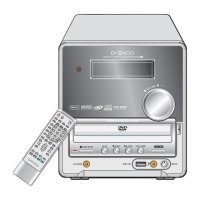
Daewoo DHC-XD350 - Display

Daewoo DHC-XD350
55 pages
Print Icon
To Next Page IconTo Next Page
To Previous Page IconTo Previous Page
Loading...
18
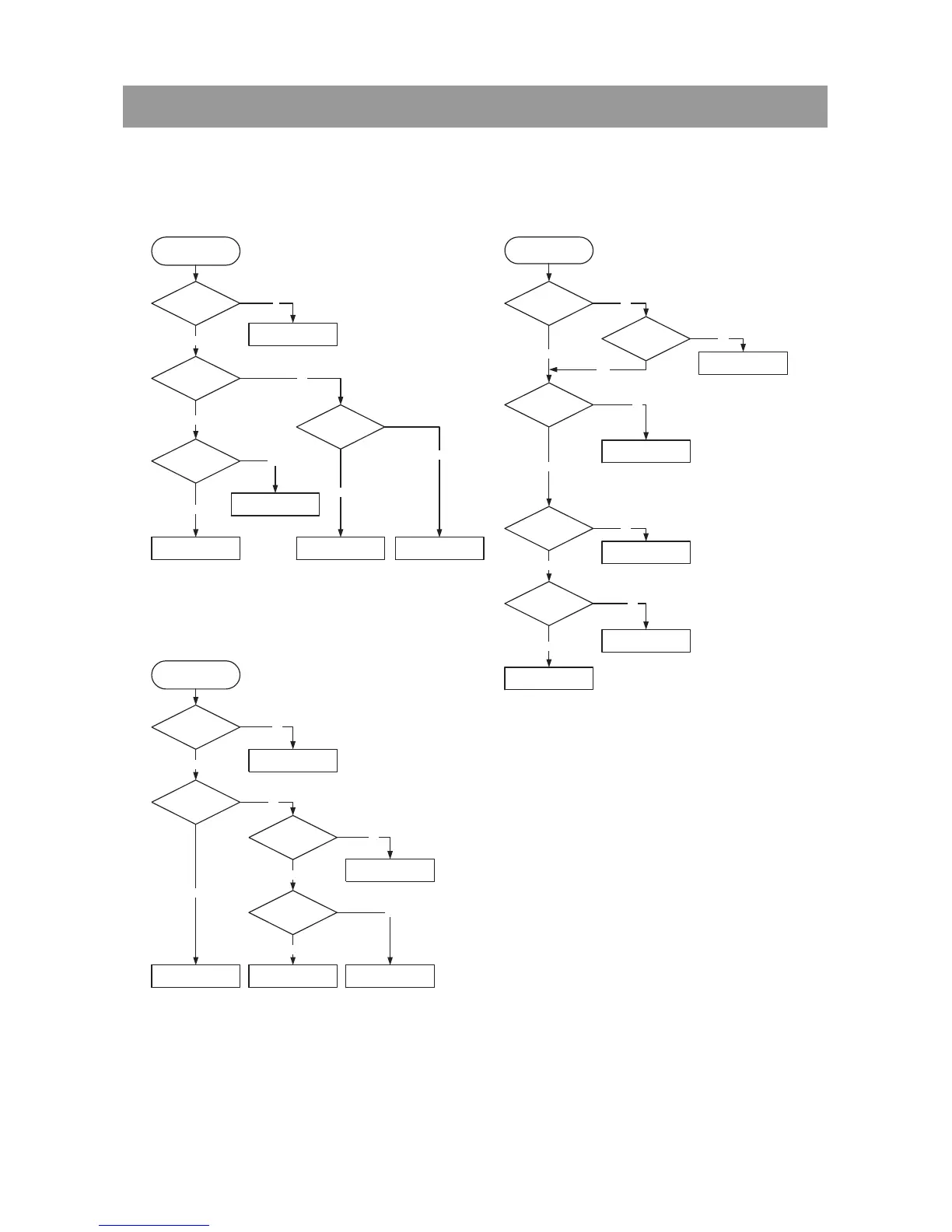
5. Trouble Shooting Guide
DHC-XD350
VIDEO OUT Abnormal
Check if the VIDEO
JACK is OK.
Check if the IC404 is
OK.
Check IC507.
Refer to VIDEO JACK.
Check if the IC404 PIN
2, 3 is OK.
OK
Refer to Front circuit.
Yes
Yes
No
No
No
Yes
Check if the IC404
PIN 7 is OK.
Refer to POWER Supply
circuit.
No
Yes
SOUND Abnormal
Check if the IC201, 202
PIN 1, 2 waveform
is OK.
Check if the IC201, 202
PIN 35 waveform is OK.
OK
Refer to MPEG circuit.
Refer to DSP circuit.
Check if the Micom
interface is OK.
Refer to DDX circuit. Refer to Front circuit.
Yes
Yes
N
o
No
No
Yes
OPEN/CLOSE Abnormal
Check if the FRONT
CONTROL is OK.
Check if the XC501
waveform
is OK.
Check if the ATAPI
Cable if is normally.
Check CN903 if
is normally.
Check if the WC700
is OK.
Check IC517.
Reconnect it.
Reconnect it.
Refer to .
Replace DECK MECHA DVD.
No
No
No
No
No
Yes
Yes
Yes
Yes
Yes
Check if the
SPK OUT
is OK.
Refer to Digital Amp PIN 27.
Yes
No
-. Audio Part

Related product manuals