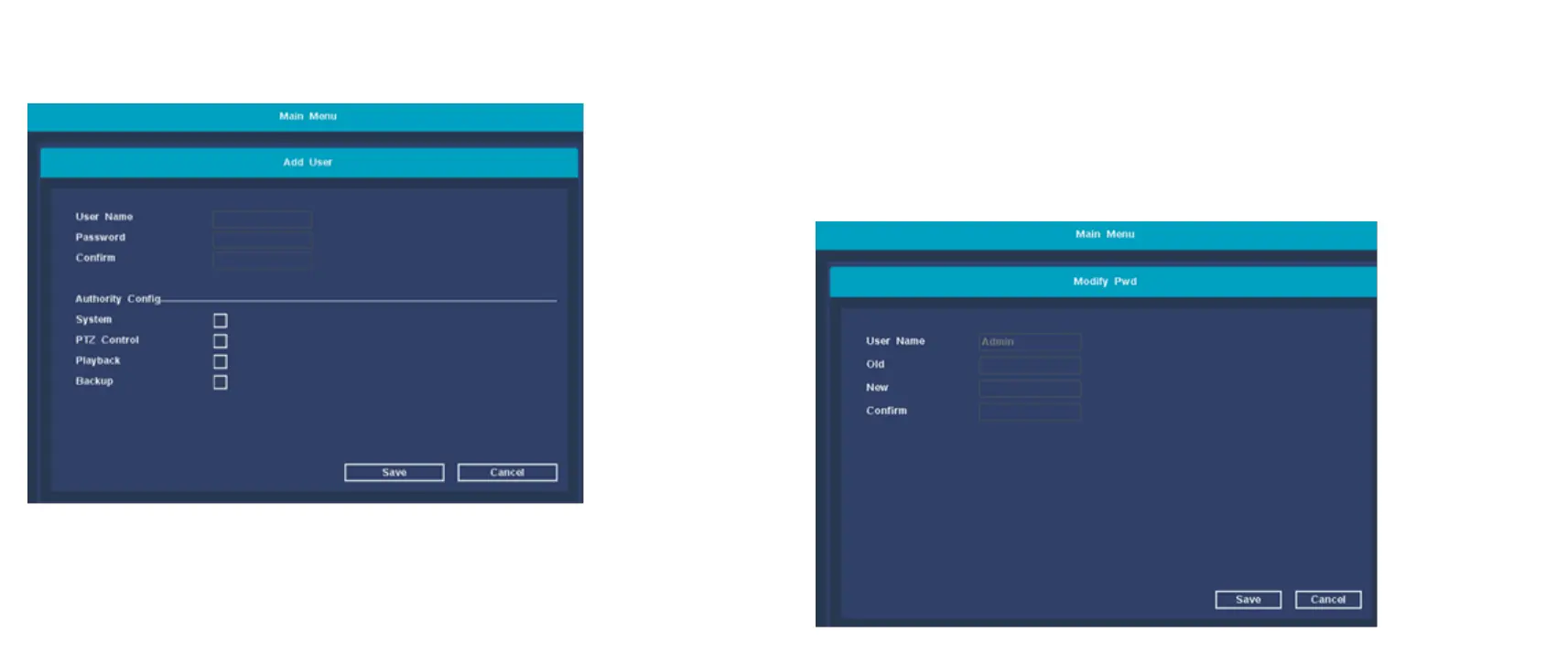
【Add User】 To add a new user, you can set a new user name
and password. And permissions configuration.
【Delete User】 Delete redundant users. By default, reserved
users are not allowed to delete.
【Modify User】 Modify the attributes of existing users, the
default administrator user cannot be modified;
【Modify Pwd】 Modify the user account password, the
password can be set to 1-12 digits.


 To Next Page