Local Operation
Step 1: Startup
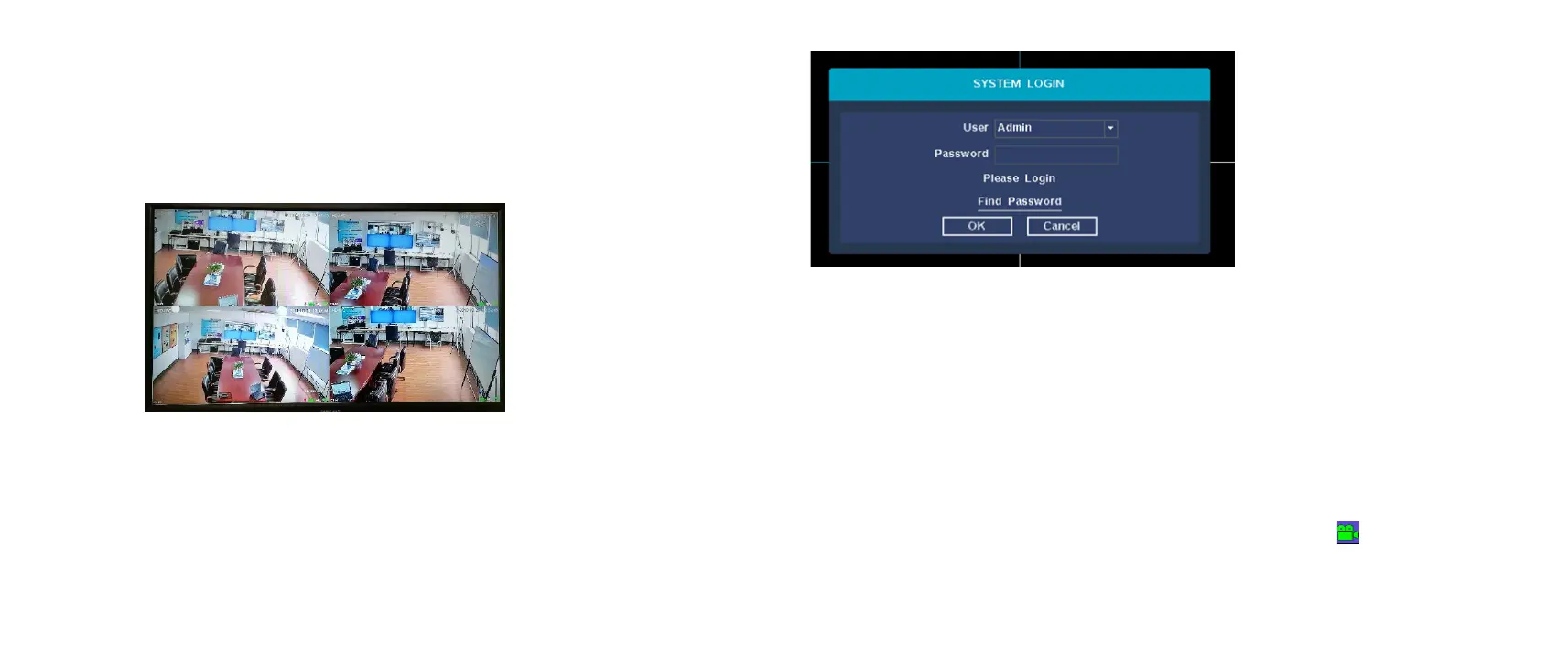
Check the power supply is plugged into an electrical outlet. Then
the power LED should red,and the video will automatic display on
the monitor,after several minutes.
Step 2: Login
(1)click right mouse button, log-in menu pops up.
(2)Enter the correct password, default password is admin.
Note: Please modify the user password before using the product
to protect your privacy.
Password modification: " Main menu → The system menu →
Account →Modify Pwd →Enter the old password: (admin) → Set
a new password → Save "to change passwords.
Step 3: Format the hard disk
Only NVR can record after format hard disk.
(1) Right click to login and enter “Main menu→System→HDD
manager”.
(2) Select the hard disk,and click “Format Disk” button .
(3) The hard disk status would turn on “in use”.It’ll display” ” on
each live view channel,and start record.


 To Next Page