User’s Manual
125
Select Main Menu > CAMERA > Camera List > Status.
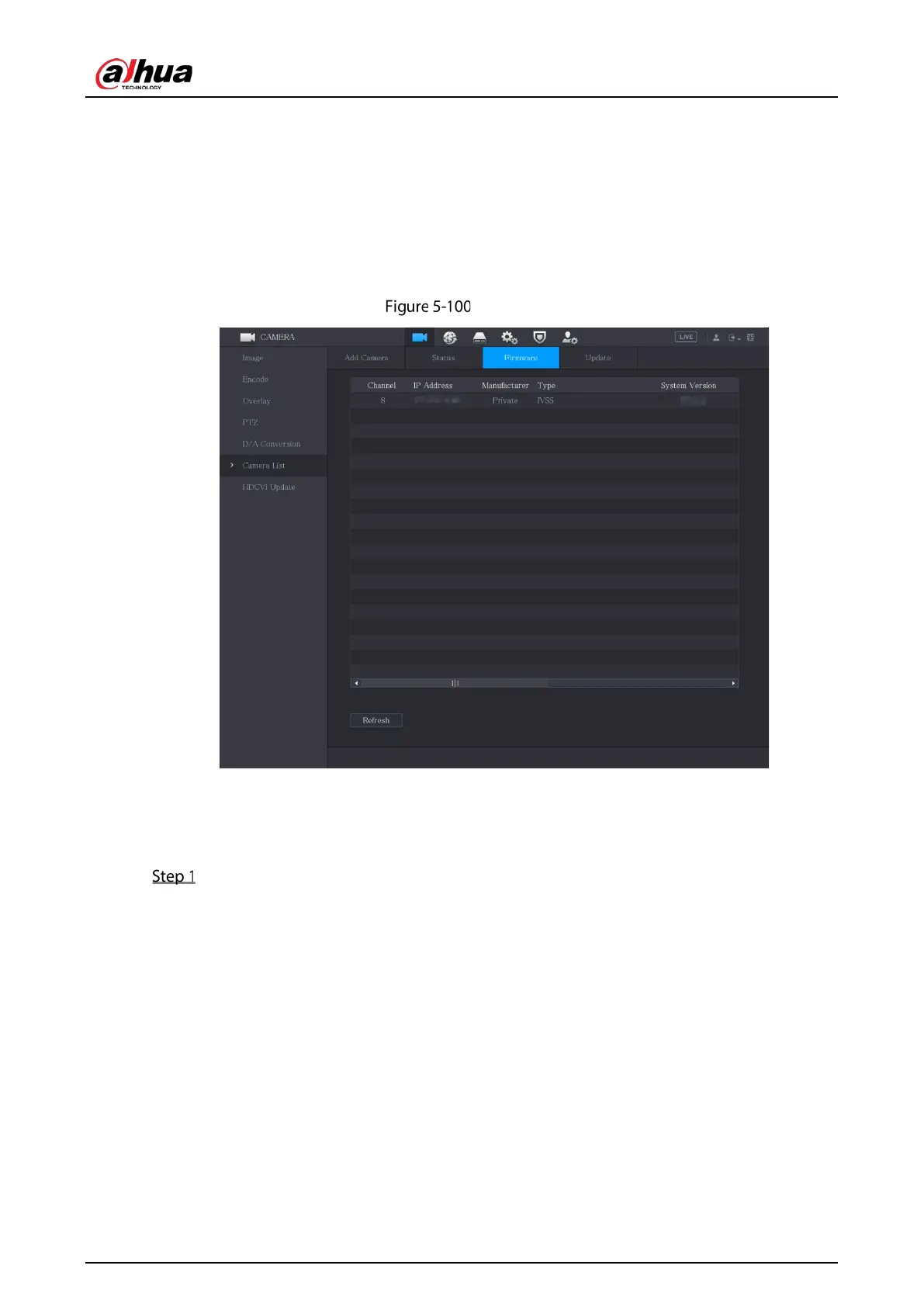
5.6.2.2 Viewing Firmware Information
You can view the device firmware information such as channel number, IP address, manufacturer,
system version, video input, audio input, and alarm in.
Select
Main Menu > CAMERA > Camera List > Firmware.
Firmware
5.6.2.3 Upgrading Remote Devices
Select Main Menu > CAMERA > Camera List > Update.


 To Next Page
 Loading...

