4.5 Call Records
View the incoming and outgoing call records.
Log in to the APP, and then tap Records.
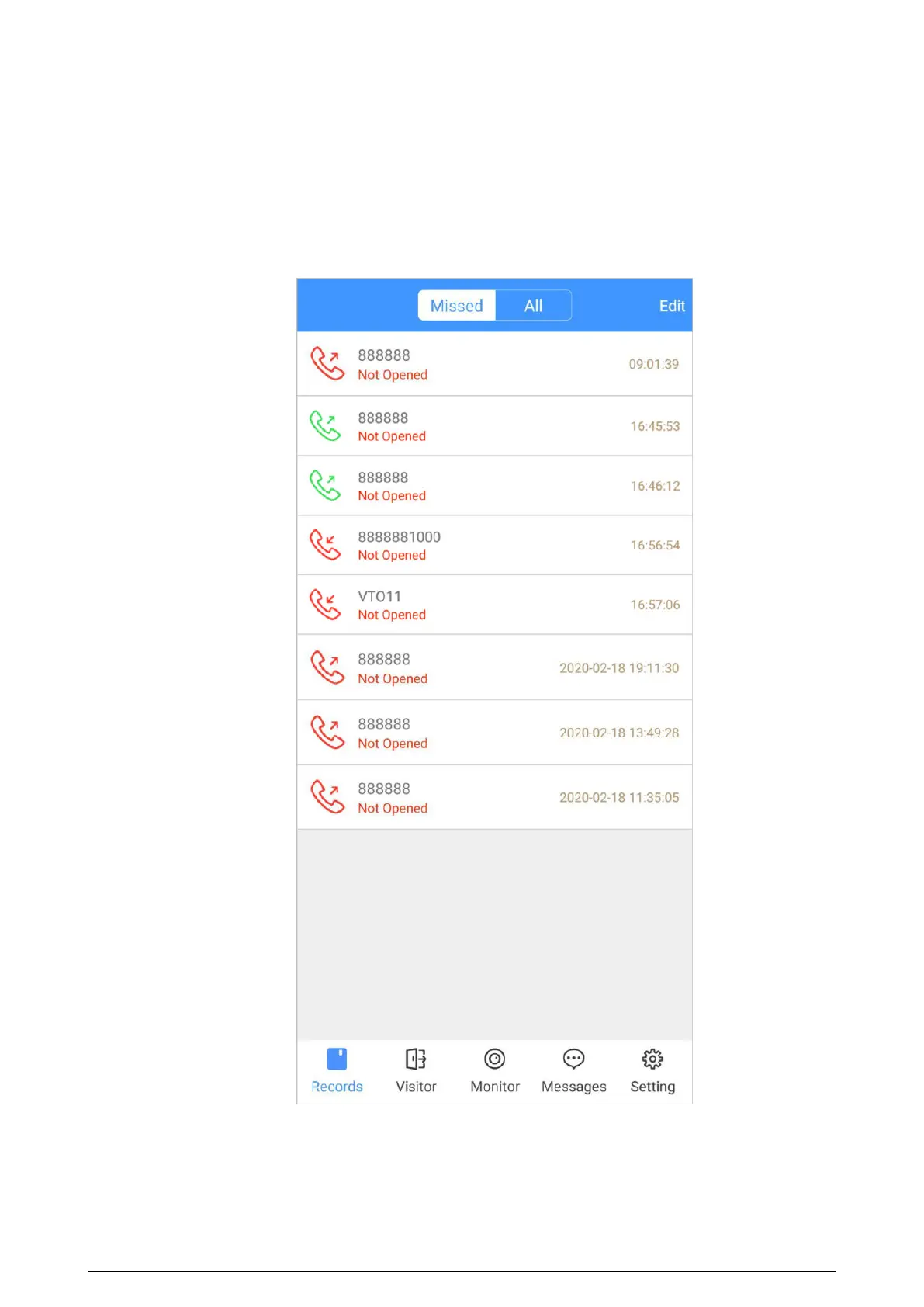
Figure 4-10 Call records
●
Red phone icon: The call is missed or not answered.
●
Green phone icon: The call is answered.
●
Not Opened/Opened : Indicates whether the door is unlocked.
●
Edit : Delete the record one by one, or tap Edit > Empty to delete all records.
93


 To Next Page
 Loading...