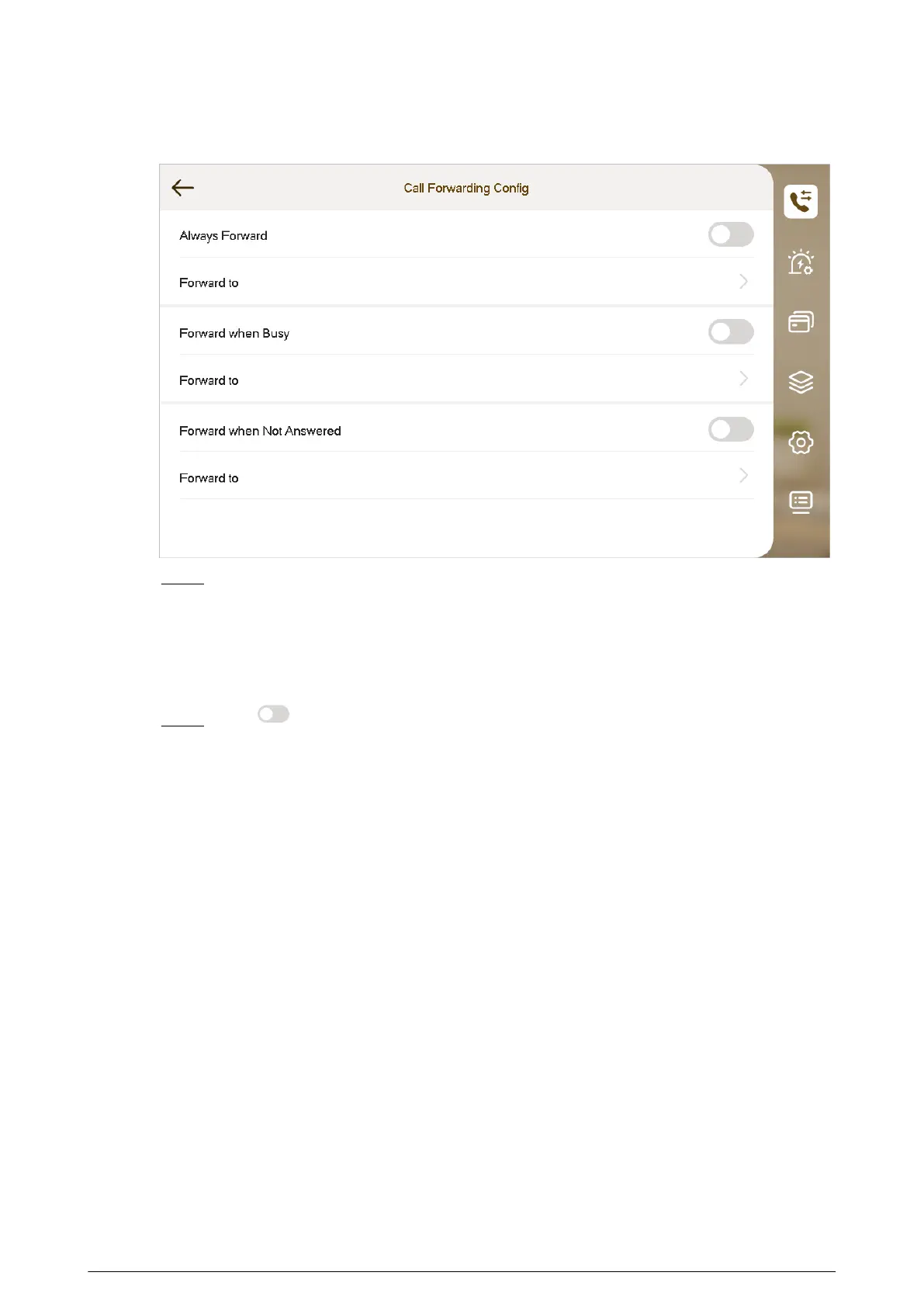
Figure 4-6 Call forwarding
Step 4 Enter the SIP ID in the input box.
●
Forward calls to a specic user: Enter the SIP ID of the user. For example, enter
1#1#8001#179 from Figure 4-5 , and then calls will be forwarded to this user.
●
Forward calls to every user: Change the last three numbers of the SIP ID to 100
(1#1#8001#100), and then all users linked to this VTH will receive the call on their
smart phones at the same time.
Step 5 Tap to enable the forwarding type you selected, and then tap OK.
4.3.2 Calling Operations
After call forwarding is congured, you can receive and answer phone calls from the VTO or the
management center.
For example, when a VTO is calling, you can answer the call, view live video, and remotely unlock
the door if the VTO is connected to a lock.
89


 To Next Page
 Loading...