Related Operations
●
Edit user information:
Tap a user, modify the information, and then tap .
●
Delete the user:
Tap a user, and then tap Delete.
Tap , select a user, and then tap .
You can select multiple contacts to delete at the same time.
3.3.3 Calling User
●
Make sure that resident-to-resident call function has been enabled.
●
Call function is used by VTH to call VTH, VTO, VTS and the platform.
●
If both VTHs have a camera, bilateral video call can be provided.
3.3.3.1 By Room Number
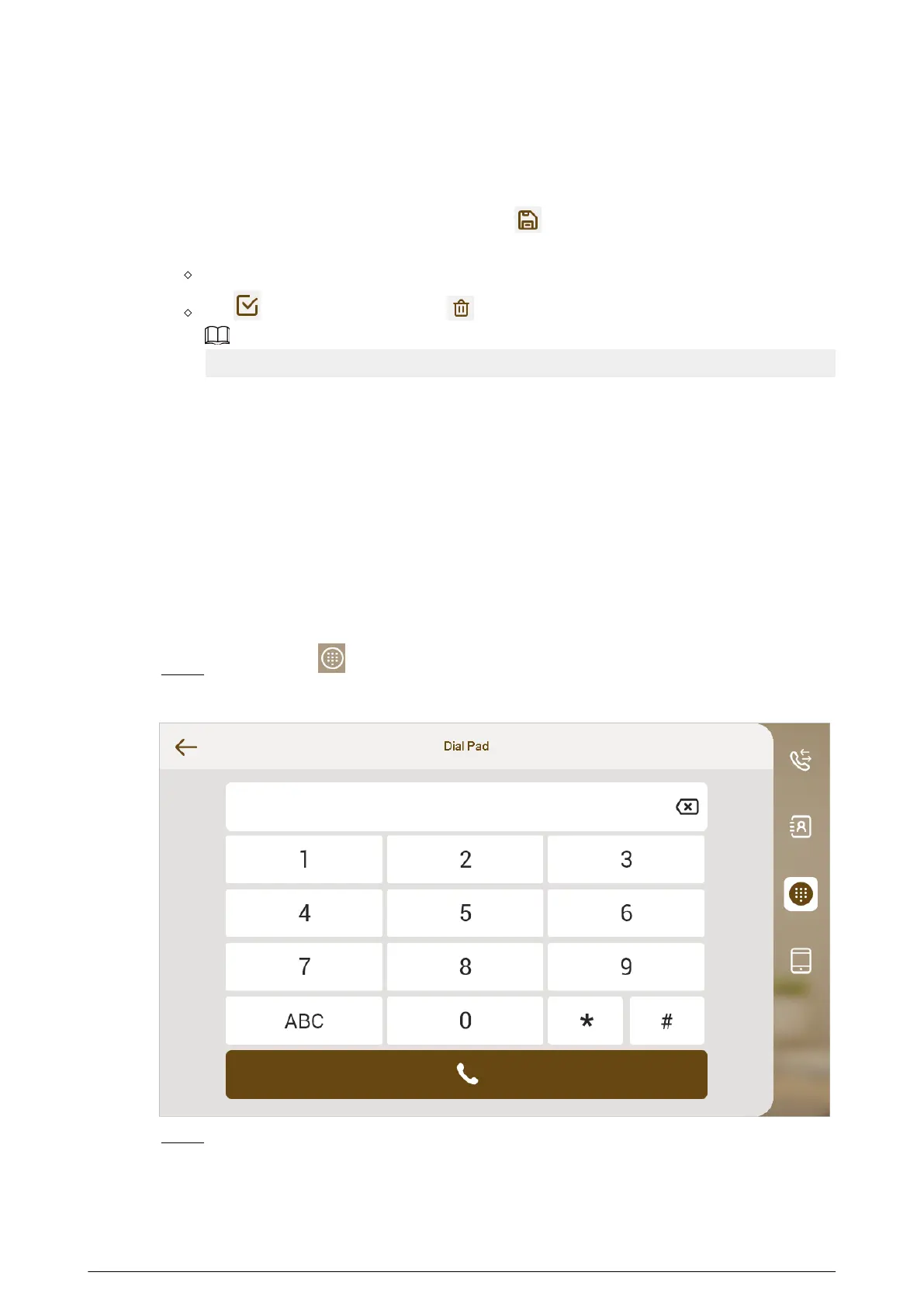
On the Dial Pad screen, dial and call the user.
Procedure
Step 1 Select Call > .
Figure 3-7 Call
Step 2 Enter the room number (VTH room number).
●
If VTO works as SIP server, dial room number directly.
●
If the platform works as SIP server:
33


 To Next Page
 Loading...