201
Figure 4-58
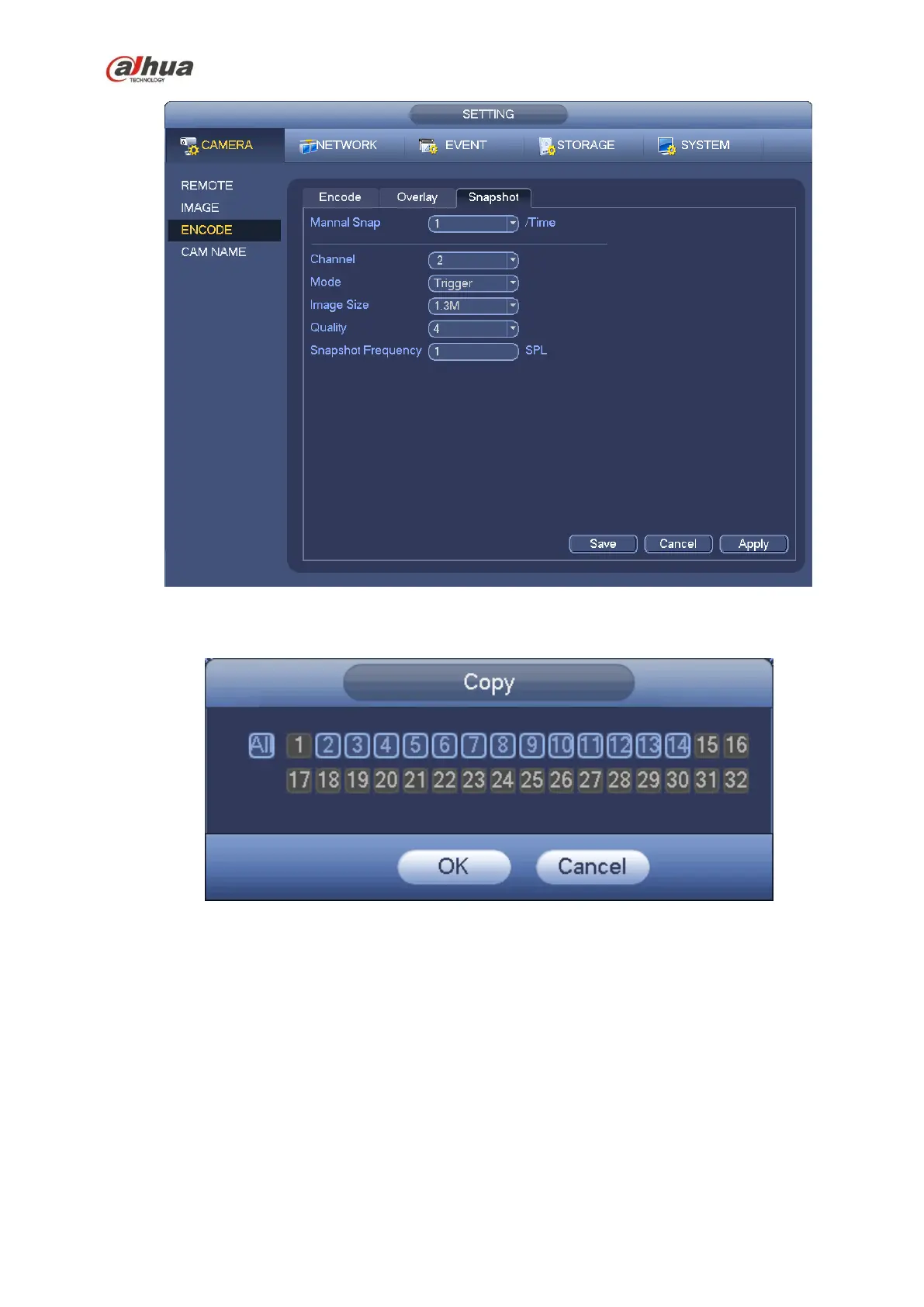
Figure 4-59
4.10.2 Schedule
The record type priority is: Alarm>Motion detect>Regular.
4.10.2.1 Schedule Record
Set record time, record plan and etc. Please note system is in 24-hour record by default after its first
boot up.
In the main menu, from Main menu->Setting->Storage->Schedule, you can go to schedule menu.
See Figure 4-63. There are total six periods.


 To Next Page
 Loading...