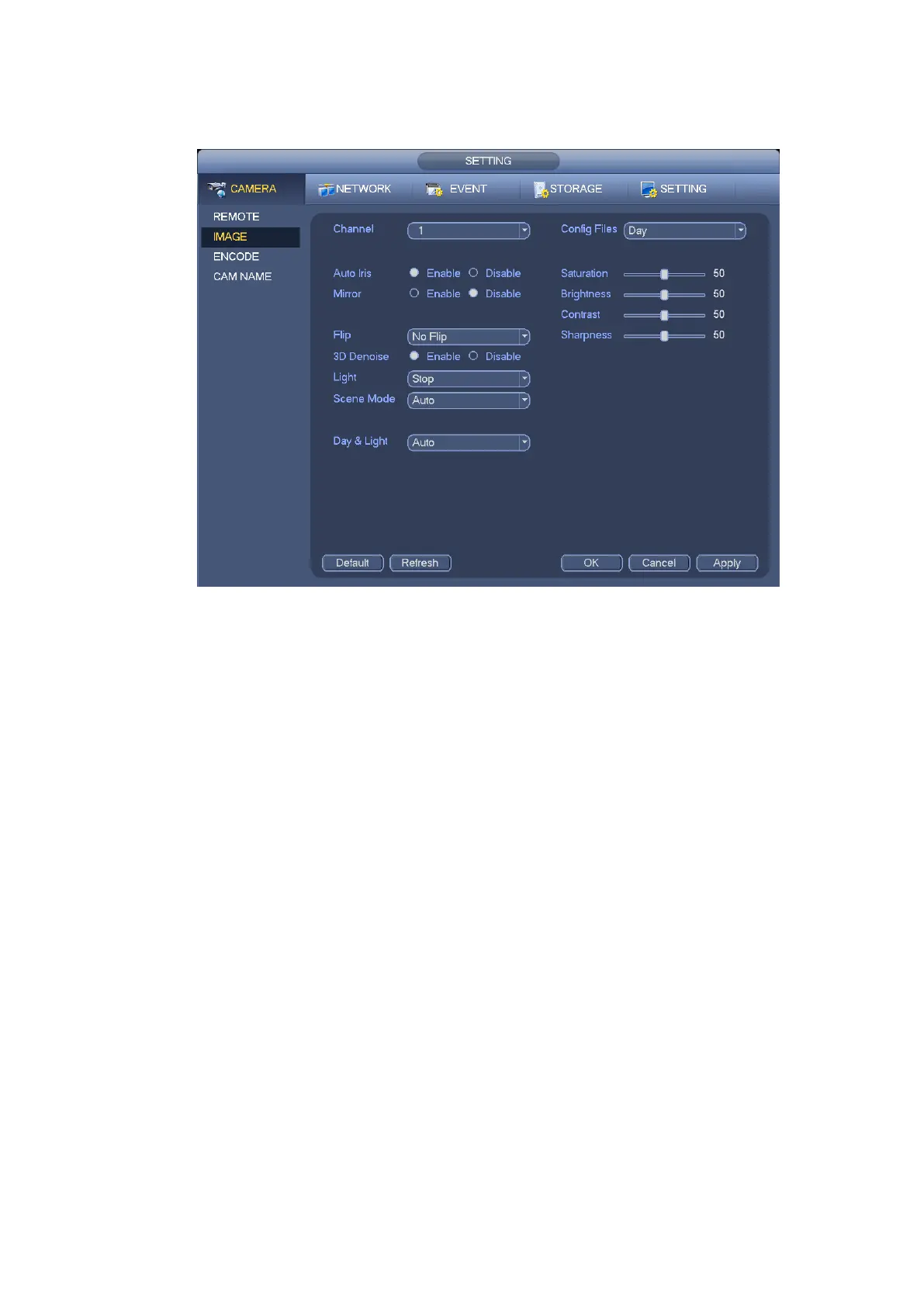
Sensor: It is to set when there is peripheral connected IR light. Please note some non-IR series
product support sensor input function.
Figure 3-19
3.4.4 Channel Name
From main menu->Setting->Camera->Channel name, you can see an interface shown as in Figure 3-20.
It is to modify channel name. It max supports 31-character.
Please note you can only modify the channel name of the connected network camera.
42


 To Next Page
 Loading...