4 | Before operation
User reference guide
18
FTXTM-R, FTXTM-S
Daikin room air conditioner
4P728152-2 – 2023.03
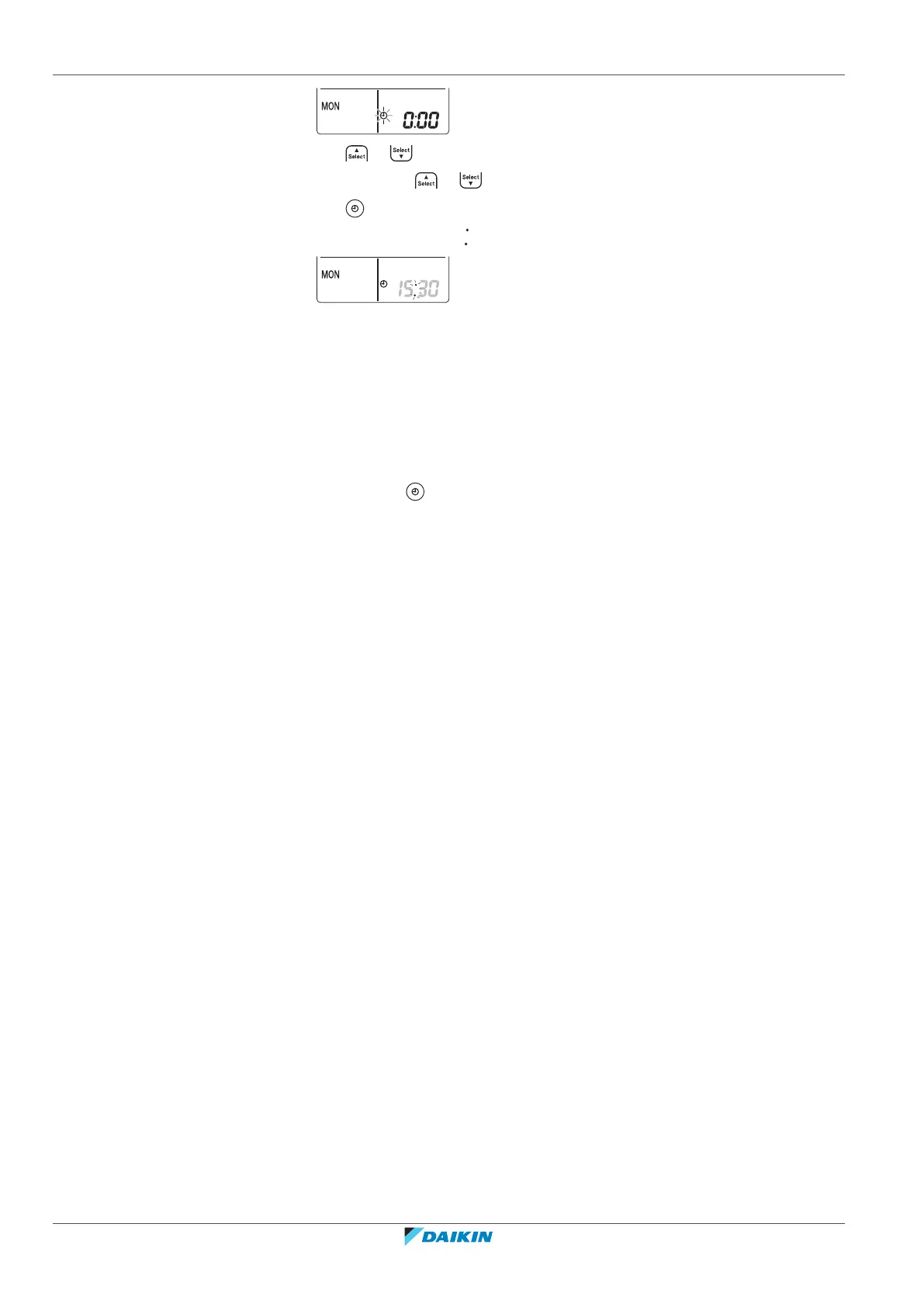
4 Press or to set the correct time.
Note: Holding down or increases or decreases the time setting rapidly.
5 Press .
Result: Setting is complete. blinks.
4.5 Brightness of the indoor unit display
Adjust the brightness of the indoor unit display as desired, or turn OFF the display.
4.5.1 To set the brightness of the indoor unit display
1 Keep pressed for at least 2 seconds every time you need to change the
setting.
Result: Brightness will be changed in order: high, low, off.
4.6 To turn on the power supply
1 Turn the circuit breaker on.
Result: The flap of the indoor unit will open and close to set the reference position.


 To Next Page