5 | Operation
User reference guide
26
FTXTM-R, FTXTM-S
Daikin room air conditioner
4P728152-2 – 2023.03
Operation Energy saving operation
Cooling and drying If the temperature in the room is:
▪ <30°C, the temperature is raised by 2°C
▪ ≥30°C, the temperature is raised by 1°C
Fan only Decreases airflow rate.
About the Intelligent eye sensor
NOTICE
▪ Do NOT hit or push the Intelligent eye sensor. Doing so may lead to malfunction.
▪ Do NOT place large objects near the Intelligent eye sensor.
INFORMATION
Powerful or Night set mode (OFF timer) CANNOT be used at the same time with
Intelligent eye operation. The last selected function takes priority.
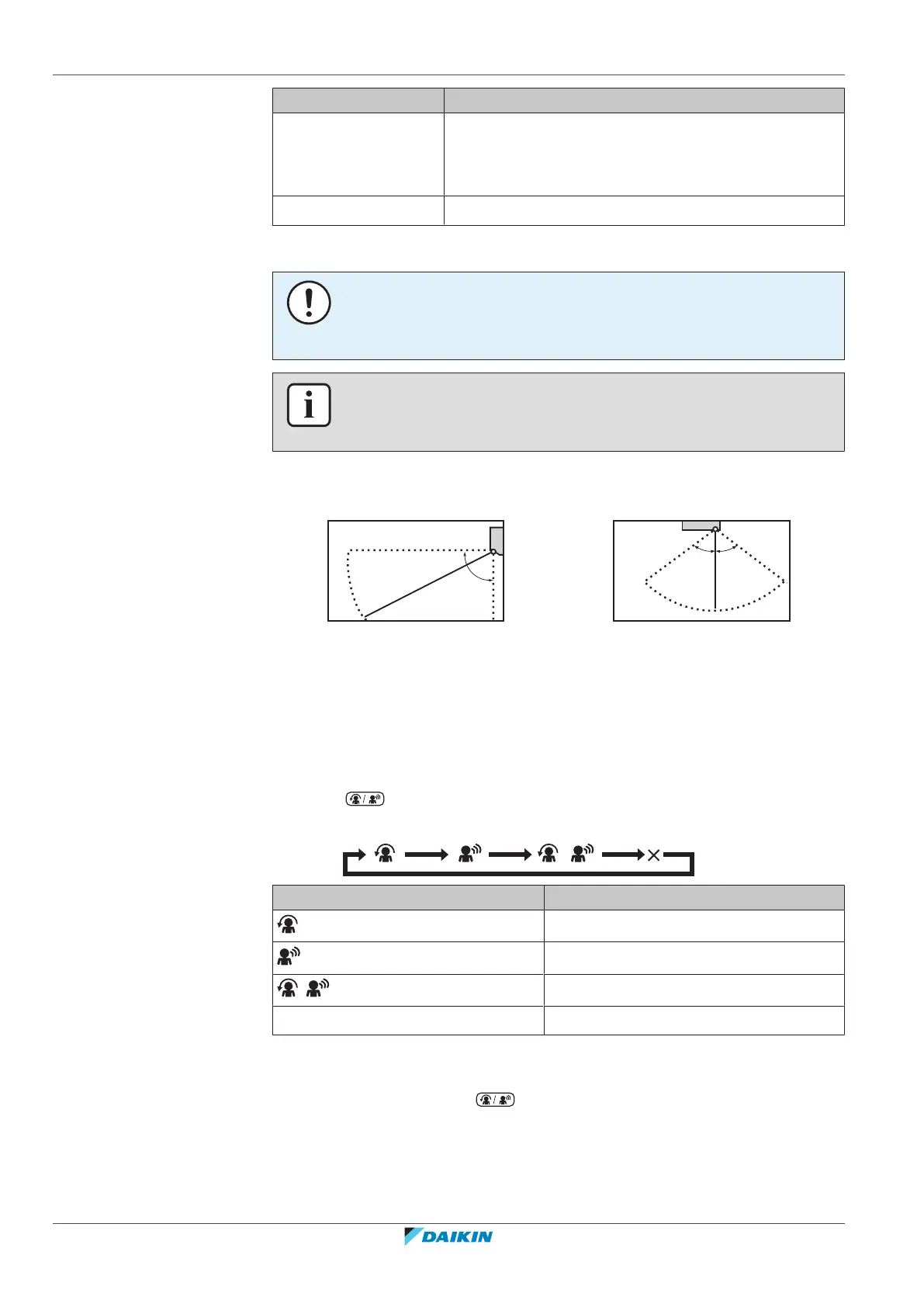
▪ Detection range. Up to 7m.
Vertical angle (side view)
Horizontal angle (top view)
▪ Detection sensitivity. Changes according to location, the number of persons in
the room, temperature range, etc.
▪ Detection mistakes. The sensor may mistakenly detect pets, sunlight, moving
curtains, etc.
5.7.3 To start/stop Comfort and Intelligent eye operation
1 Press one or more times.
Result: The setting will change as follows:
Display Operation
Comfort airflow
Intelligent eye
+
Comfort airflow and Intelligent eye
— Both deactivated
Note: If there are people close to the front of the indoor unit or there are too
many people, use both operations at the same time.
2 To stop operation, press until both symbols disappear from the LCD.


 To Next Page