7 | Maintenance and service
User reference guide
48
FTXTM-R, FTXTM-S
Daikin room air conditioner
4P728152-2 – 2023.03
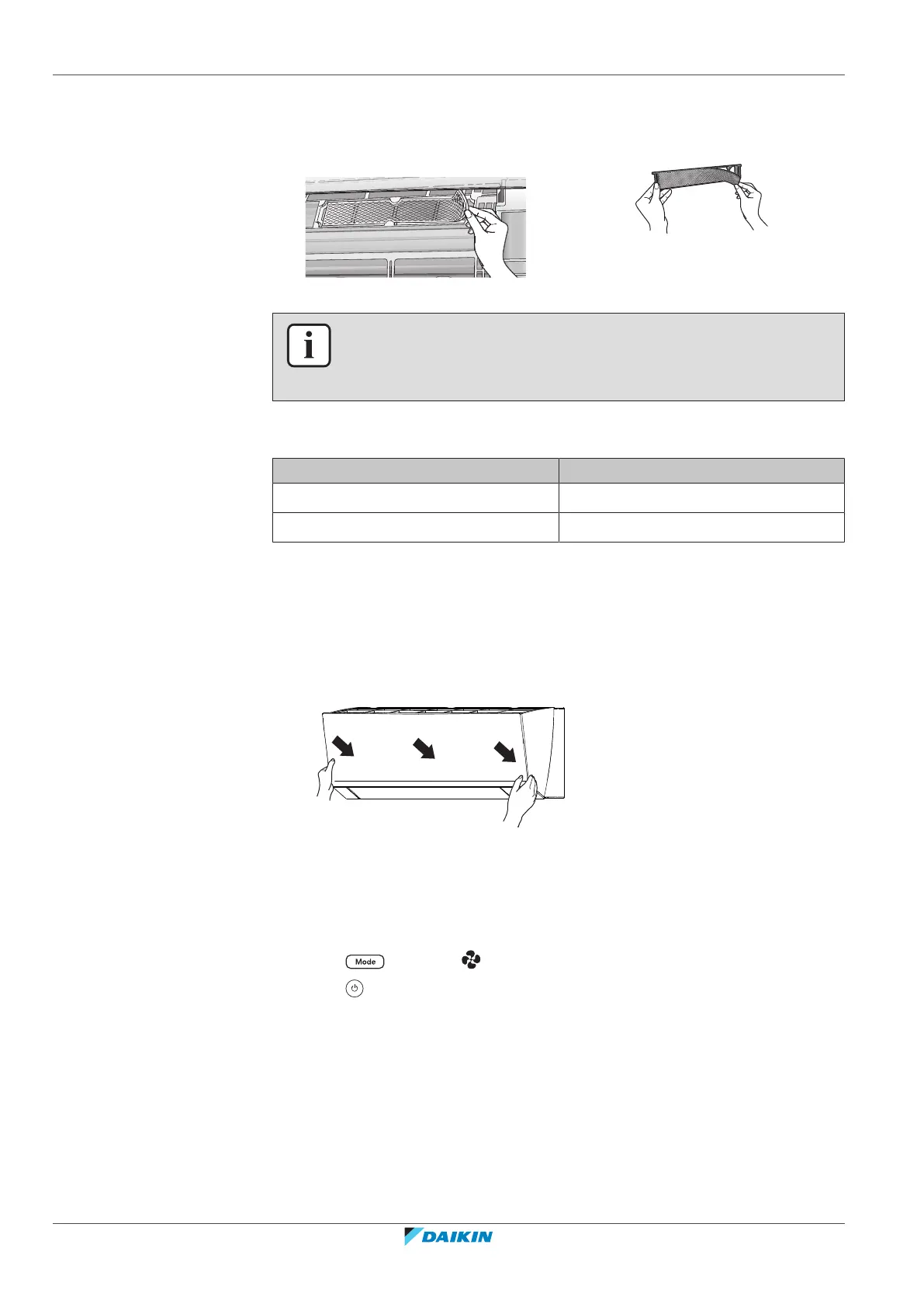
1 Remove the filter from the tabs (class 30) or frame (class 40) and replace the
filter with a new one.
Class 30 Class 40
INFORMATION
▪ Do NOT throw away the filter frame, but use it again.
▪ Dispose of the old filter as non-flammable waste.
To order titanium apatite deodorising filter or silver particle filters, contact your
dealer.
Item Part number
Titanium deodorising filter KAF970A46
Silver particle filter KAF057A41
7.9 To re-install the front panel
1 Attach the front panel. Align the shafts with the slots and push them all the
way in.
2 Close the front panel slowly; press at both sides and at the centre.
7.10 To take following items into account before a long idle period
Operate the unit several hours in fan only mode to dry the inside of the unit.
1 Press and select operation.
2 Press and start operation.
3 After operation stops, turn the breaker OFF.
4 Clean the air filters and replace them in their original positions.
5 Remove the batteries from the wireless remote control.















 To Next Page