5 | Operation
User reference guide
40
FTXTM-R, FTXTM-S
Daikin room air conditioner
4P728152-2 – 2023.03
4 Press to exit the menu.
Result: The display will return to the default screen.
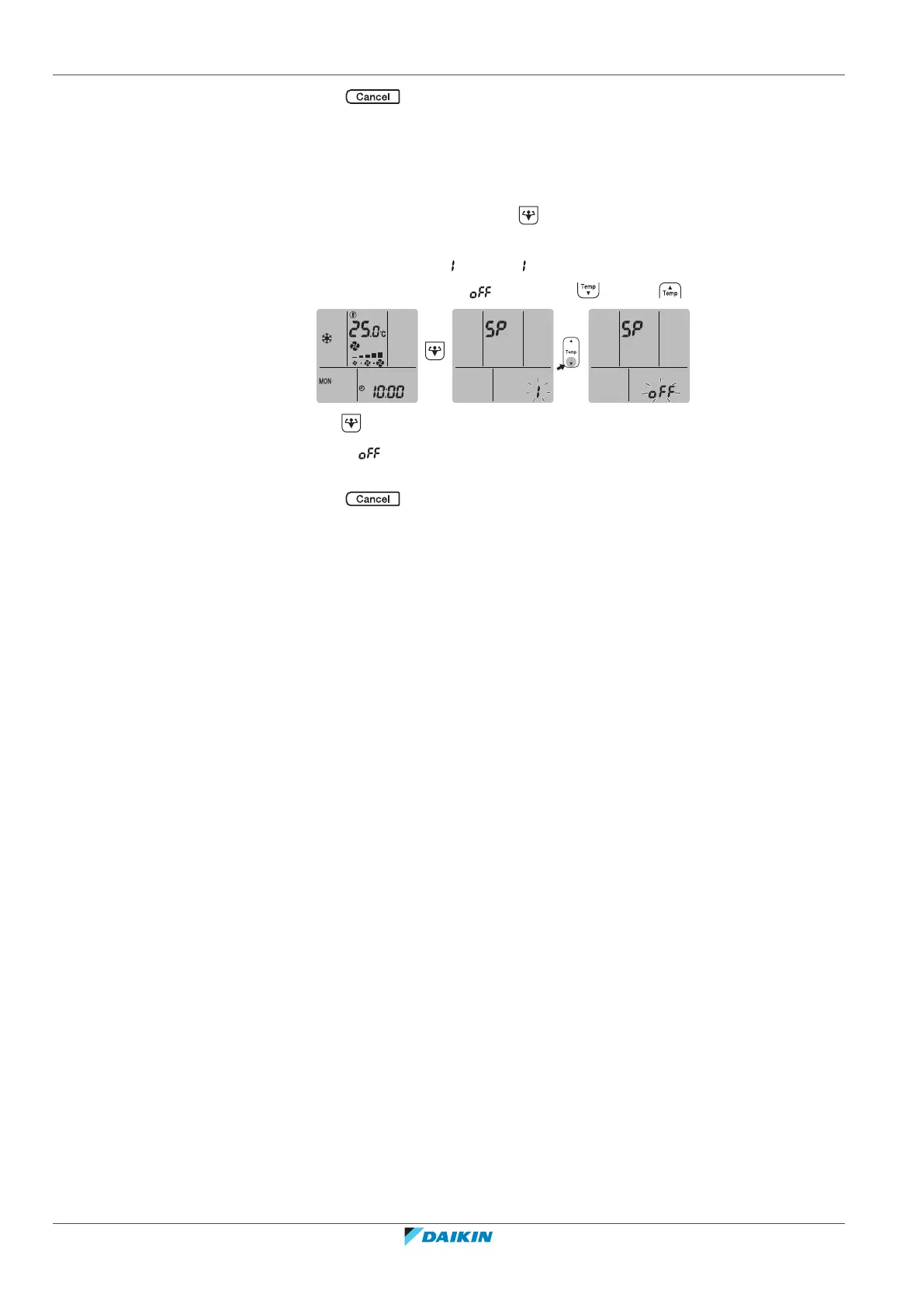
To turn off the wireless LAN connection
If you want to turn off the wireless connection function:
1 On home screen menu, press for at least 5seconds while the unit is not
operating.
Result: The SP menu appears. is blinking.
2 Change to the SP menu by pressing once or repeatedly.
3 Hold for at least 2seconds to confirm the selection.
Result: is blinking. The operation and timer LEDs are blinking alternately in
1sinterval. Communication is OFF.
4 Press to exit the menu.
Result: The display will return to the default screen.















 To Next Page