3-27
11. BASIC FUNCTION SETTING MODE
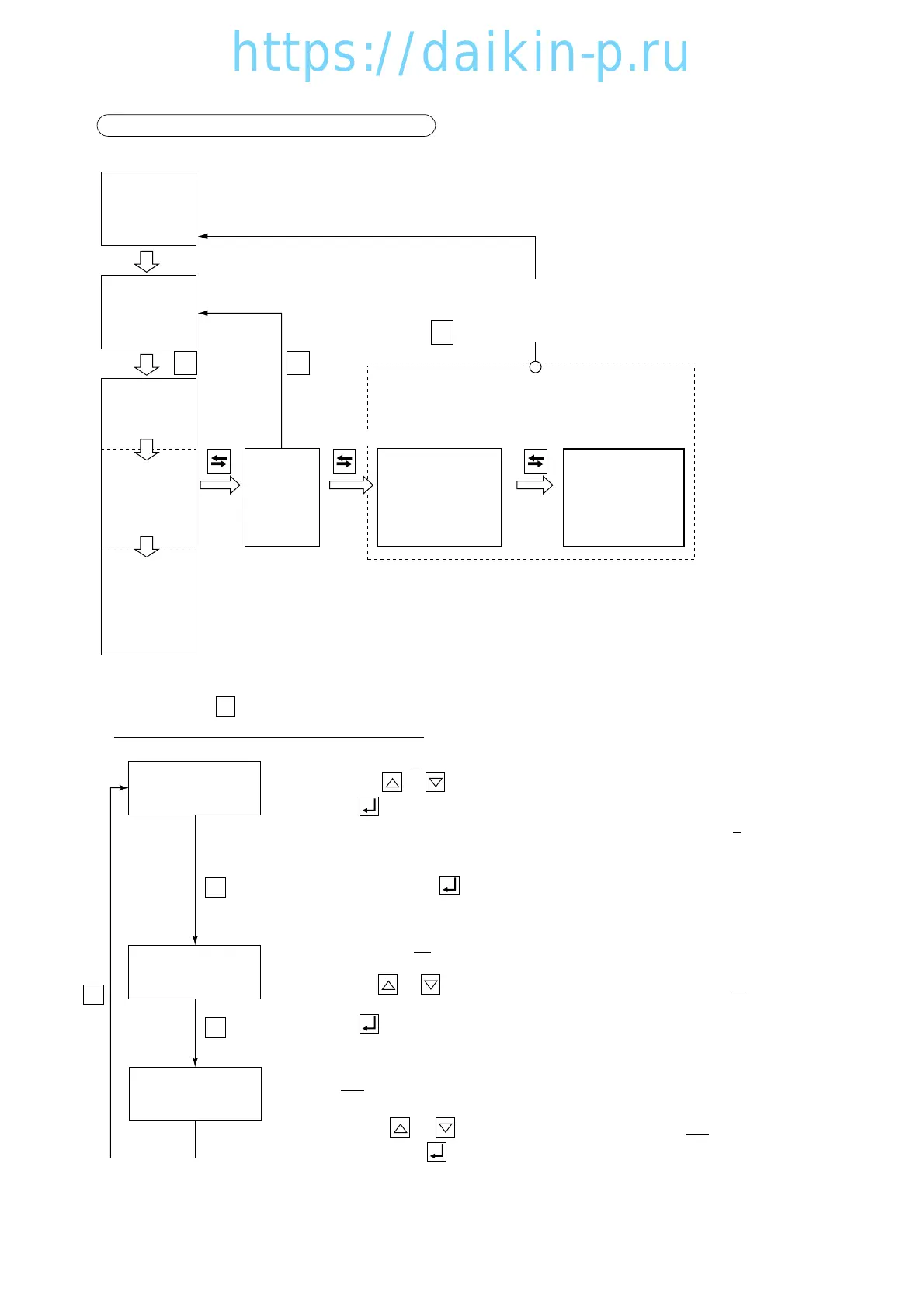
<Key operation to enter/exit>
<Key operation in this mode>
Whenever the key is pressed, the display changes.
Turn the power breaker OFF after the setting.
S
Select "A", "b" or "c" on the LED while the LCD displays "dECOS-3".
Whenever the or key is pressed, the indication of "A" or "b" or "c" is changed.
Press the key to determine the setting.
"A" represents "DECOS-III a", "b" represents "DECOS-III b" and "c" represents
"DECOS-III c".
The unit is comes with the "DECOS-III c" additionally.
Select "C", and press key to determine the setting.
To set the logging interval:
Select "15", "30", "60" or "120" on the LED while the LCD displays "LOG INT".
The unit is in minutes.
Whenever the or key is pressed, the indication of "15" or "30" or "60" or "120" is
changed.
Press the key to determine the setting.
To set the data recorder sensor ON/OFF:
Select "ON" (in use) or "OFF" (not in use) on the LED while the LCD displays
"REC SEN" .
Whenever the or key is pressed, the indication of "ON" or "OFF" is
changed. Press the key to determine the setting.
for 3 sec. for 3 sec.
F. PTI
S. PTI
M. CHECK
for 3 sec.




 To Next Page