3-29
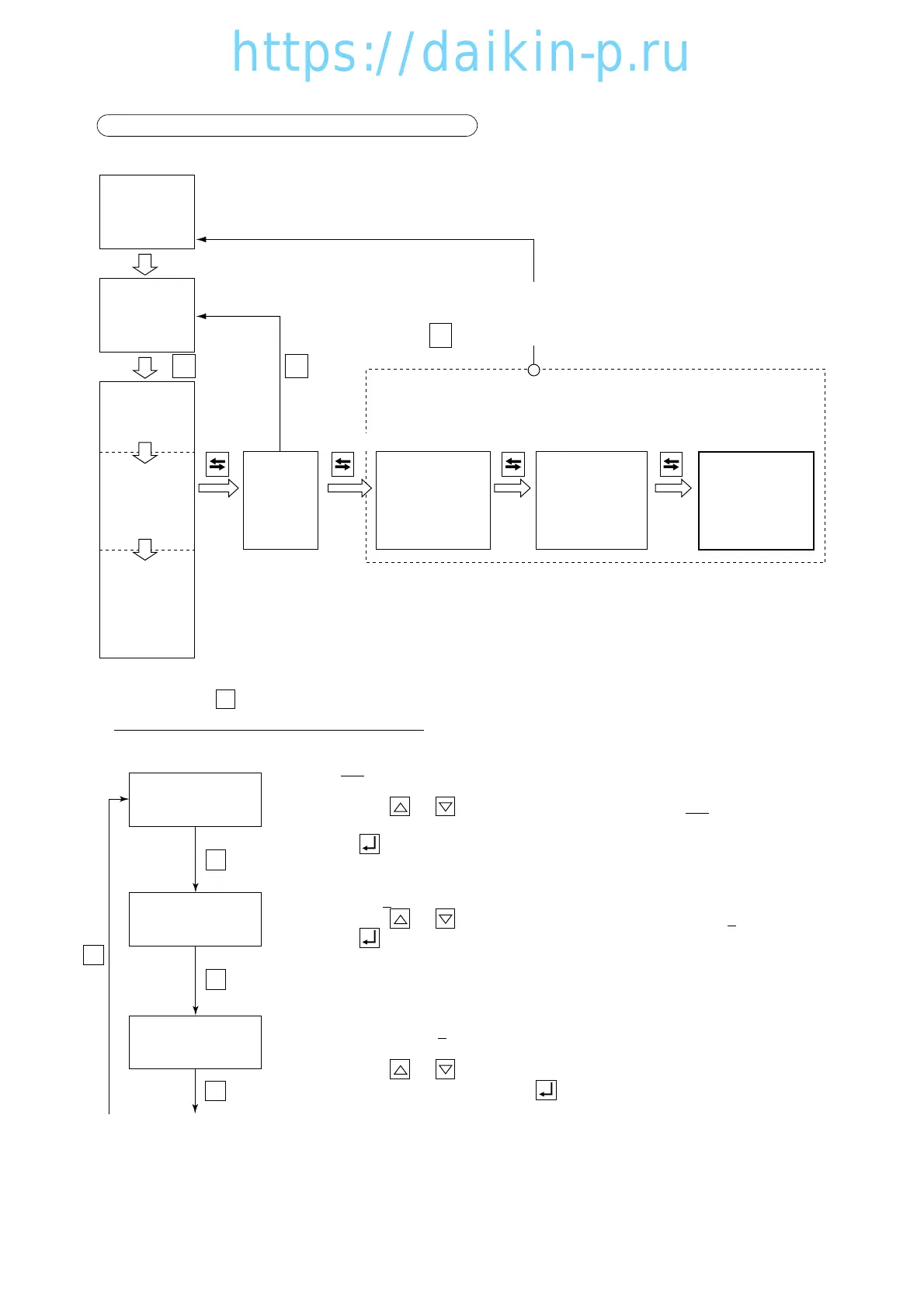
12. OPTIONAL CONDITION SETTING MODE
<
Key operation to enter/exit
>
<Key operation in this mode>
Whenever the key is pressed, the indication changes.
Turn the power breaker OFF after the setting.
S
To set the chartless code (D code /H code):
Select "ON" (indication of D/H code) or "OFF" (no indication of D/H code) on
the LED when the LCD displays "CHARTLS".
Whenever the or key is pressed, the indication of "ON" or "OFF" is
changed.
Press the key to determine the setting.
To set the USDA sensor selection:
Select "1" or "2" on the LED when the LCD displays "USdA1/2".
Whenever the or key is pressed, the indication of "1" or "2" is changed.
for 3 sec. for 3 sec. for 3 sec.
F. PTI
S. PTI
M. CHECK
for 3 sec.
Press the key to determine the setting.
(see mode detail→5-9)
H001 code is displayed when the control temperature does not lower by 3 ˚C
or more for every 4 hours in pull-down operation.
Select "1" ˚C ,"2" ˚C ,"3" ˚C ,"4" ˚C ,"5" ˚C or "10" ˚C on the LED when the LCD
displays "H001".
Whenever the or key is pressed, the indication of the selection from
"1"˚C to "10" ˚C changes. Press the key to determine the setting.
Refer to page 3-60.




 To Next Page