31
Handset display
in standby mode
RADIO LINK
HANDSET
ACCESS
12.2 Modifying display options
DISPLAY
SOUNDS
CONFIGURATION
INFOS
DEGREES
NAME
BACKLIGHTING
Menu
Setting
possible
Using the setting
DEGREES CELSIUS
FAHRENHEIT
Factory: CELSIUS
Factory: ACTIVE
Can be used to change the unit of temperature.
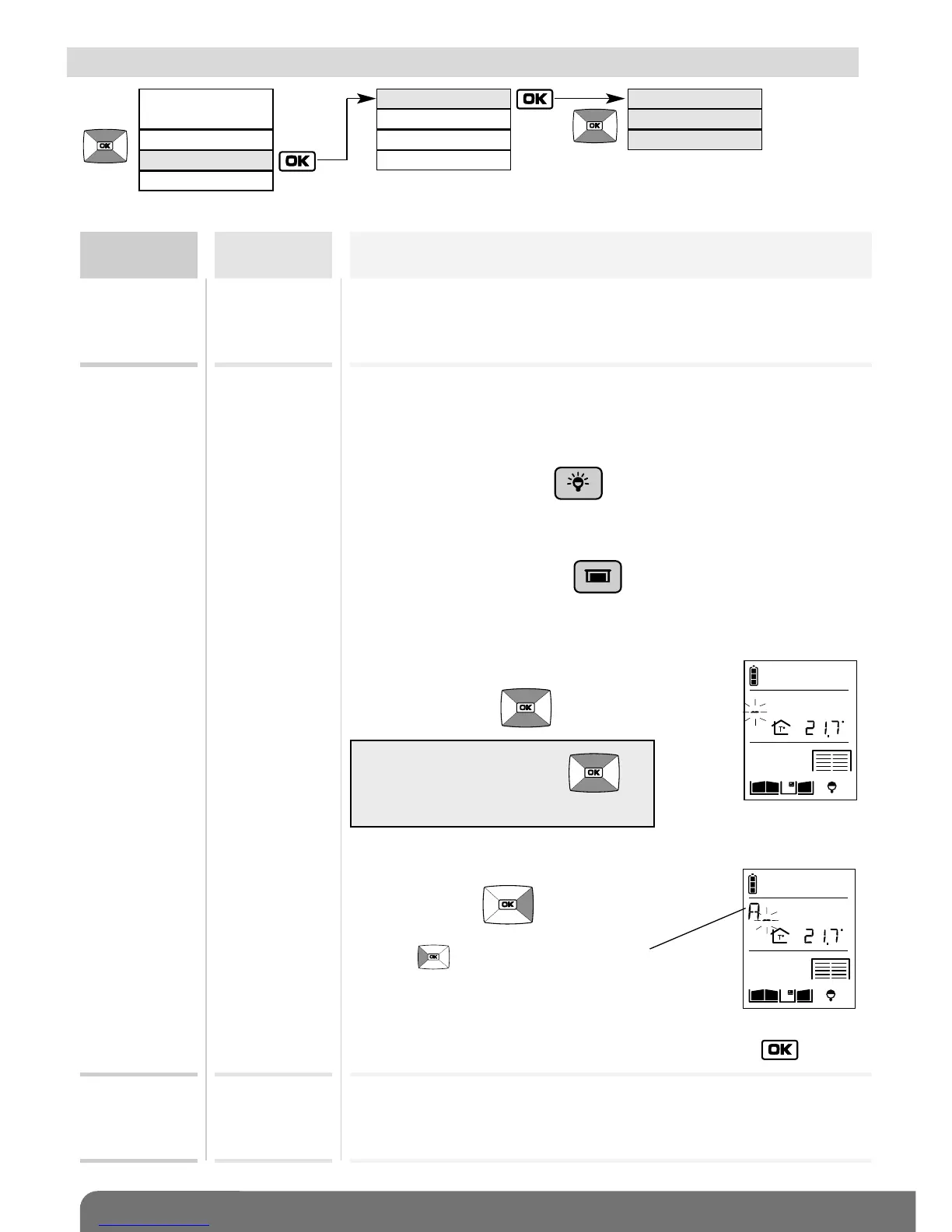
NAME Can be used to change the name allocated:
HANDSET to the handset
LIGHT 1
LIGHT 2
LIGHT 3
LIGHT 4
to a Light control button ( ).
GARAGE 1
GARAGE 2
GARAGE 3
GARAGE 4
to a Garage control button ( ).
BACK -
LIGHTING
ACTIVE
INACTIVE
Activates or deactivates handset backlighting.
Backlighting is always activated during calls.
1. Select the name to be changed.
2. Modify the 1
st
character
using the keys .
3. Move on to the next character
using the key .
4. Perform steps 2 and 3 for all the characters and then, once
the desired name has been programmed, press .
The key selects the previous character.
TIP: press and hold the keys
to quickly scroll through the characters.



 To Next Page