EasyManua.ls Logo

DAITEM MHF02X - 7.2 When Not Communicating

DAITEM MHF02X
36 pages
Print Icon
To Next Page IconTo Next Page
To Previous Page IconTo Previous Page
Loading...
14
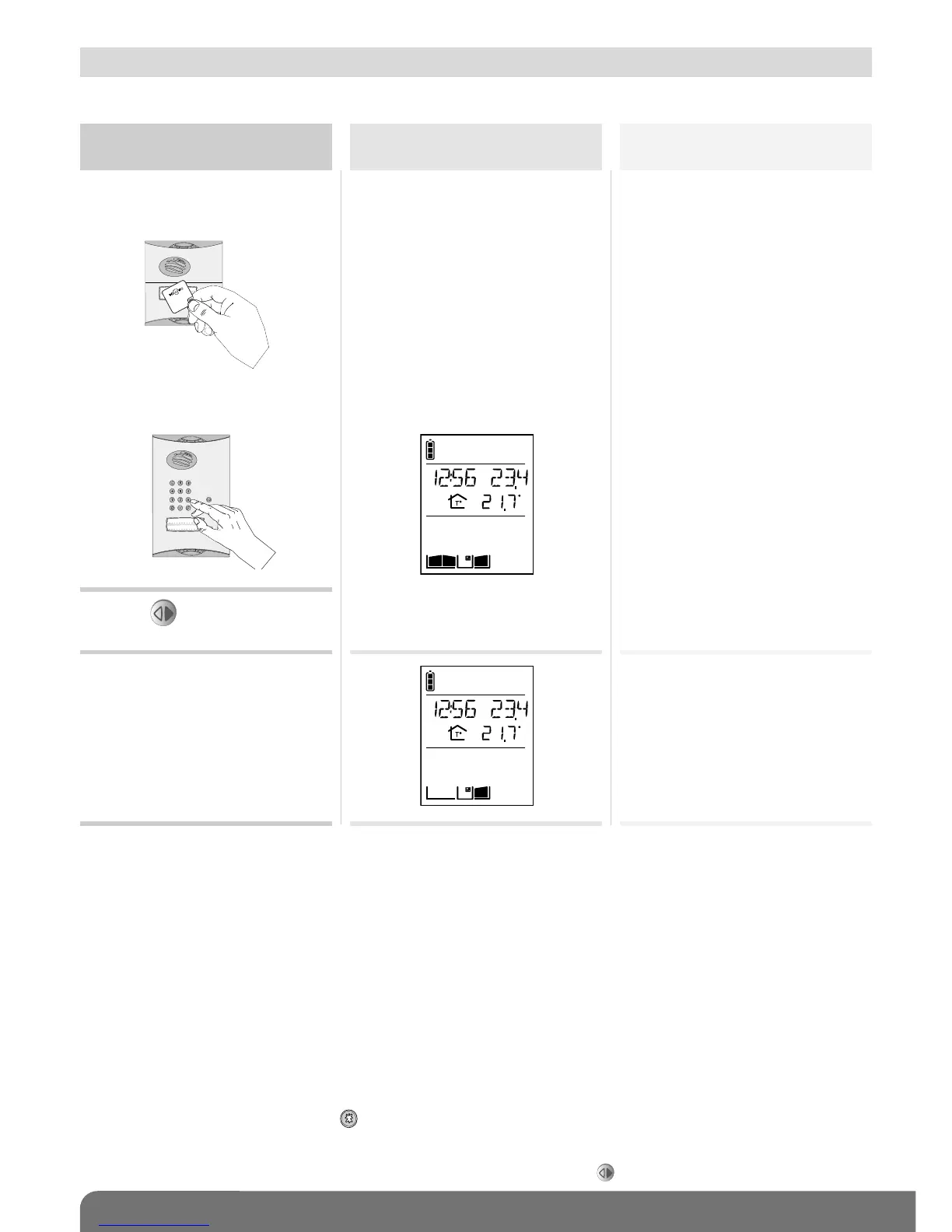
Activate the outdoor
caller unit
Status display
on the handset (1)
Gate access status
1. Hold the tag in front of the
name label.
2. Press (3).
Closed
1. Or enter the access code
(2).
Mr et Mme Evêque-Mourroux
C
3. The gate is activated within
5 seconds
Open
C
(1) If a position contact is connected.
(2) If you press the wrong button, press then enter the access code again.
(3) Only applies to the outdoor caller unit with keypad. If the AUTO COMMAND parameter (see
ACCESS/PARAMETERS/AUTO COMMAND menu) is set to GATE, the gate is opened as soon as the tag is held up to
the caller unit or the access code is entered. There is then no need to press .
7.2.1 Using the outdoor caller unit with keypad
7.2 When not communicating


Other manuals for DAITEM MHF02X

Related product manuals