19
4
INFORMATION ON USE AND OPERATION
INFO menu
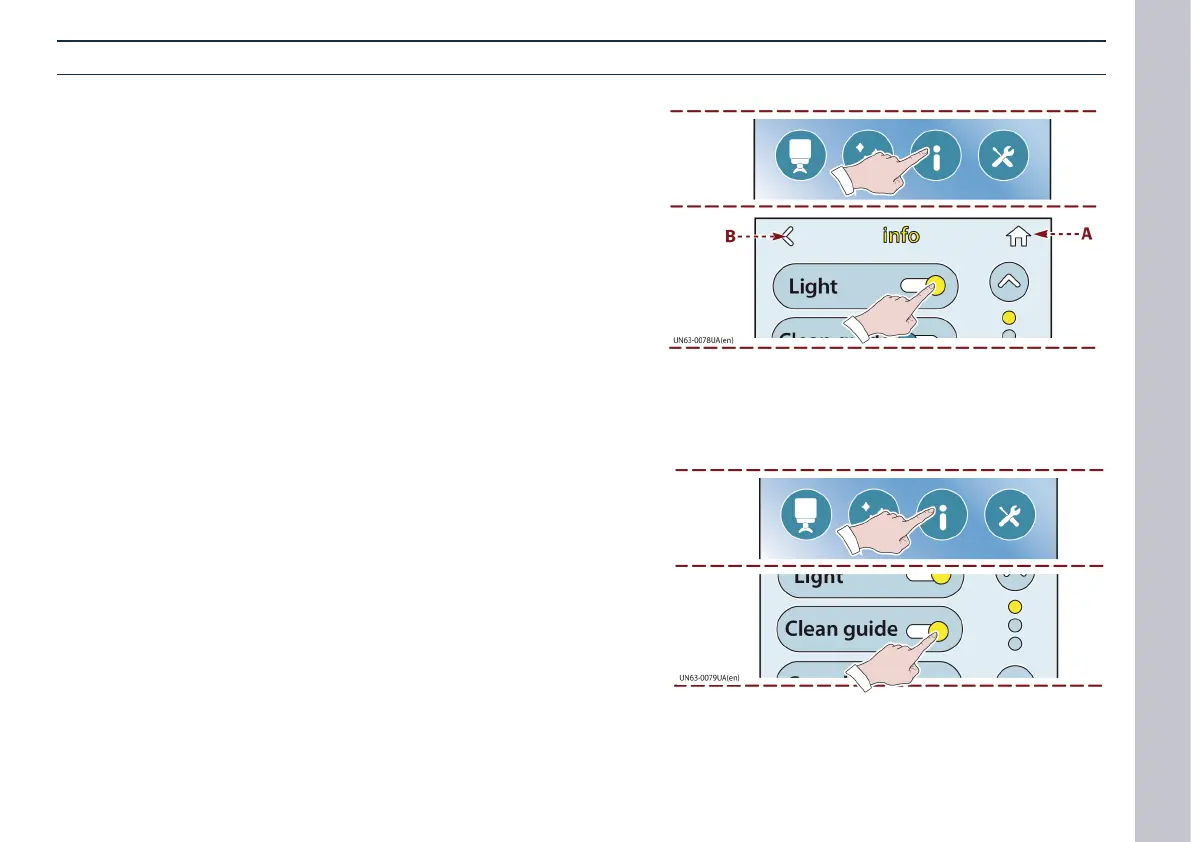
Switching on the lighting
1) Touch the appropriate key to display the LIGHTING controls.
2) Move the key to turn the lights on and o.
- Touch key (A) to go back to the Home page.
- Touch key (B) to go back to the last page.
Cleaning guide deactivation
1) Touch this key to display the CLEANING GUIDE feature.
2) Move the key to activate and deactivate the CLEANING GUIDE
feature.














 To Next Page