31
4
INFORMATION ON USE AND OPERATION
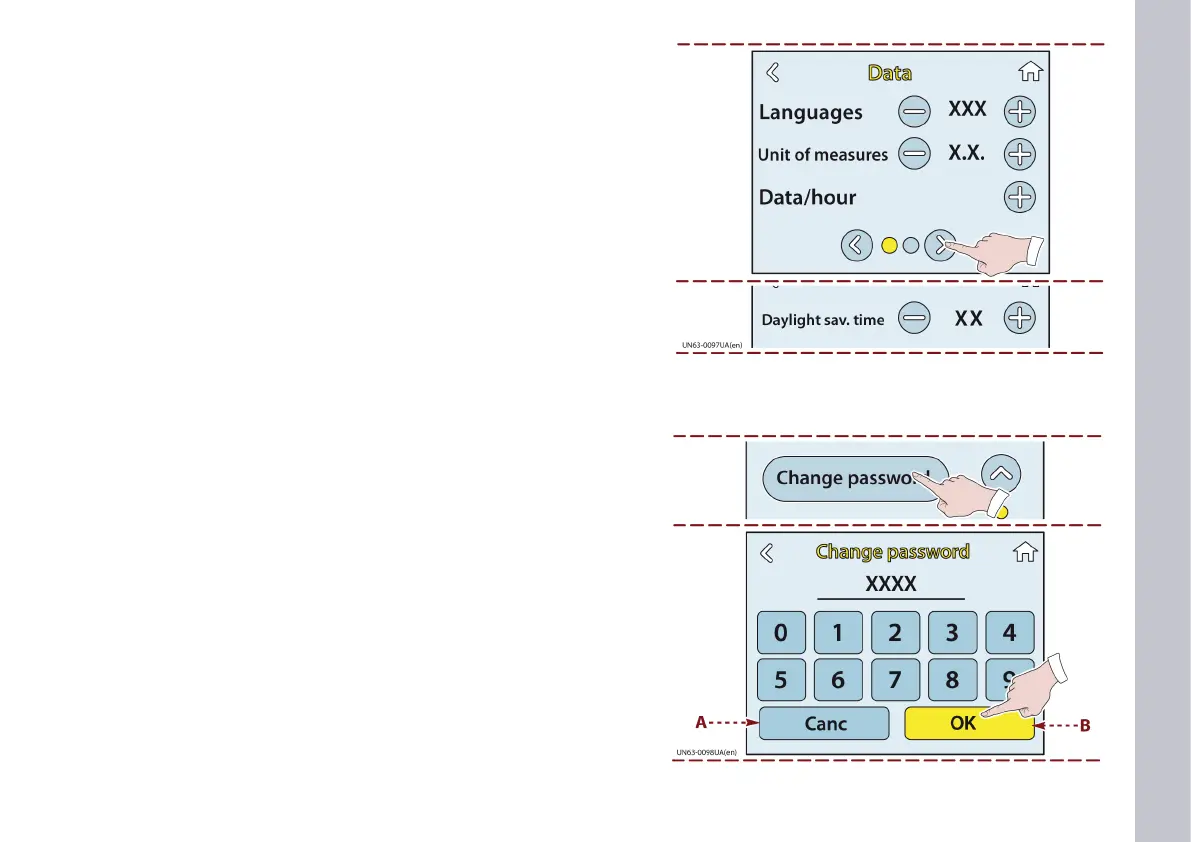
1) Touch this key to display the CHANGE PASSWORD page.
2) Enter the new password.
3) Touch the key (B) to conrm the new password.
A) Key: this is used to delete data entered by mistake.
PASSWORD CHANGE page
Touch this key to view the daylight savings time setting page.
This page can be used to activate and deactivate the daylight sav-
ings time.














 To Next Page