6
48
CLEANING AND MAINTENANCE INFORMATION
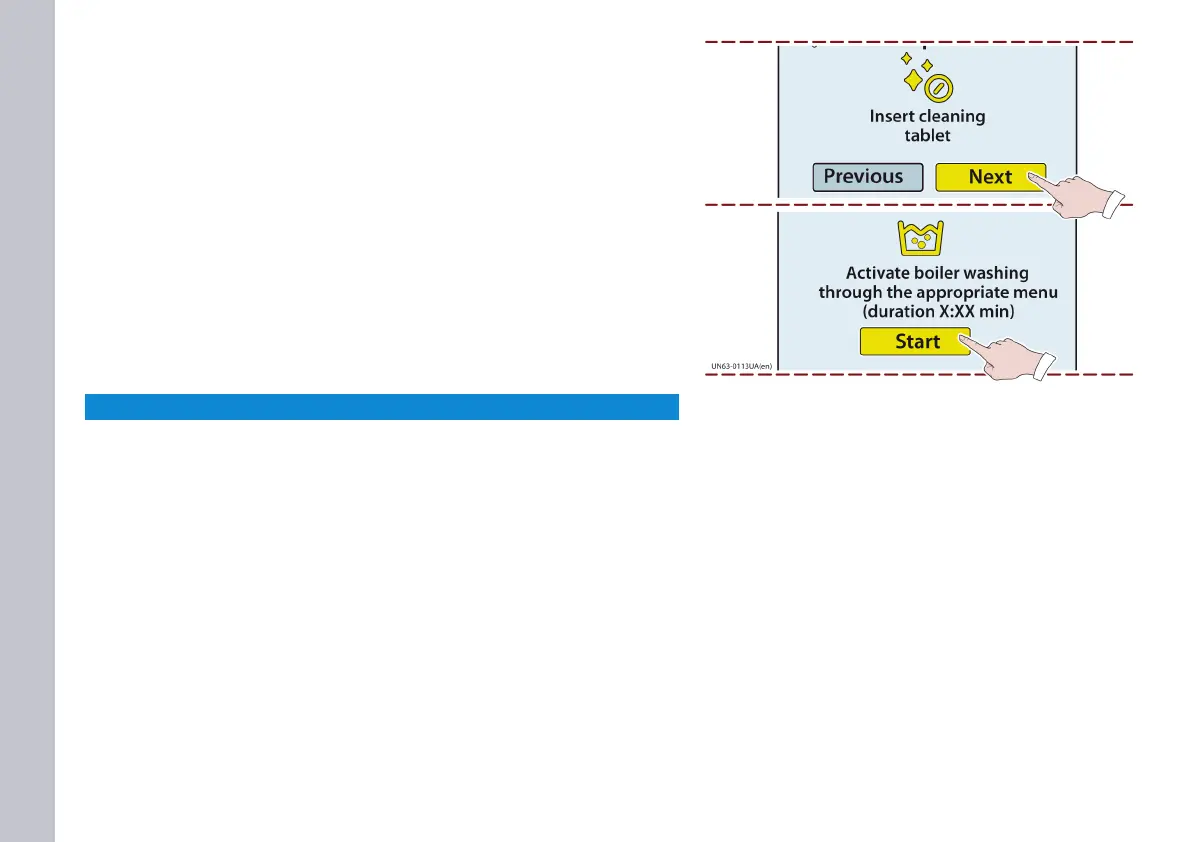
The page shown in the illustration appears.
Follow the information provided.
10) Touch this key to start the cleaning cycle.
- Proceed in the same way to clean the other groupheads
- If all the groupheads have been started, they can be washed at
the same time.
- The approximate duration of the cleaning cycle is shown in this
page.
NOTICE
The cleaning cycle tutorial can be disabled (see “Deactivating
the cleaning guide”).














 To Next Page