Danfoss Heating Solutions VIUHR402 © Danfoss 05/2011
6
3. Temperature Settings
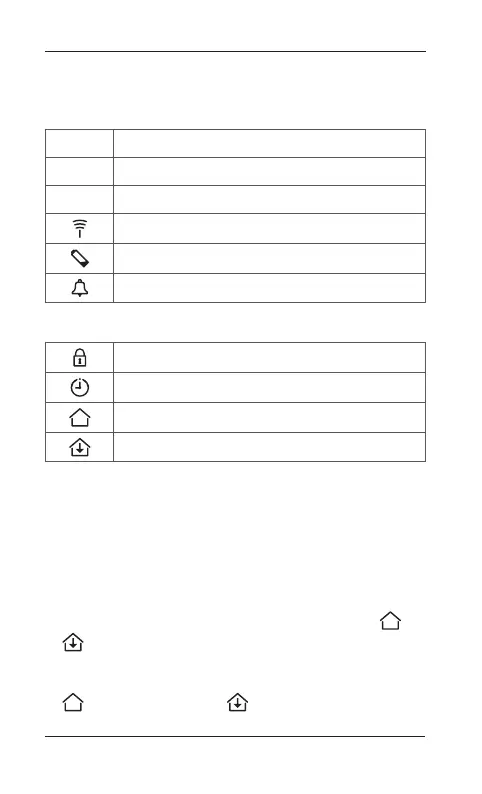
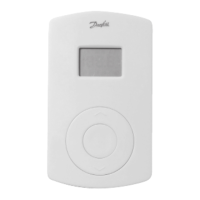
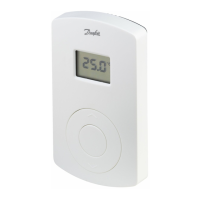
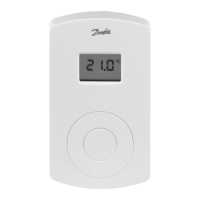
Digital Display (fig. 1)
SET Set value adjustment
MIN Minimum temperature limitation
MAX Maximum temperature limitation
Transmission link icon
Low battery indicator
Alarm icon
Settings only available from CF-RC Remote controller:
Lock icon
Timer icon
Room temperature icon
Floor temperature icon
Changing default display temperature (fig. 1)
1. The actual room temperature is shown in the display
as default.
2. To change default display from actual room tempera-
ture to actual floor surface temperature, press and
hold the push button until SET MAX is shown in the
display.
3. Press the button shortly and repeatedly until or
is flashing in the display.
4. Press the up/down selector to select the new default
display temperature:
Room temperature Floor surface temperature.
Instruction CF-RF Room Thermostat with Infrared Floor Sensor


 To Next Page