6 Capacity controller RS8GN202 © Danfoss 11-2013 AK-PC 783
Alarm
Error
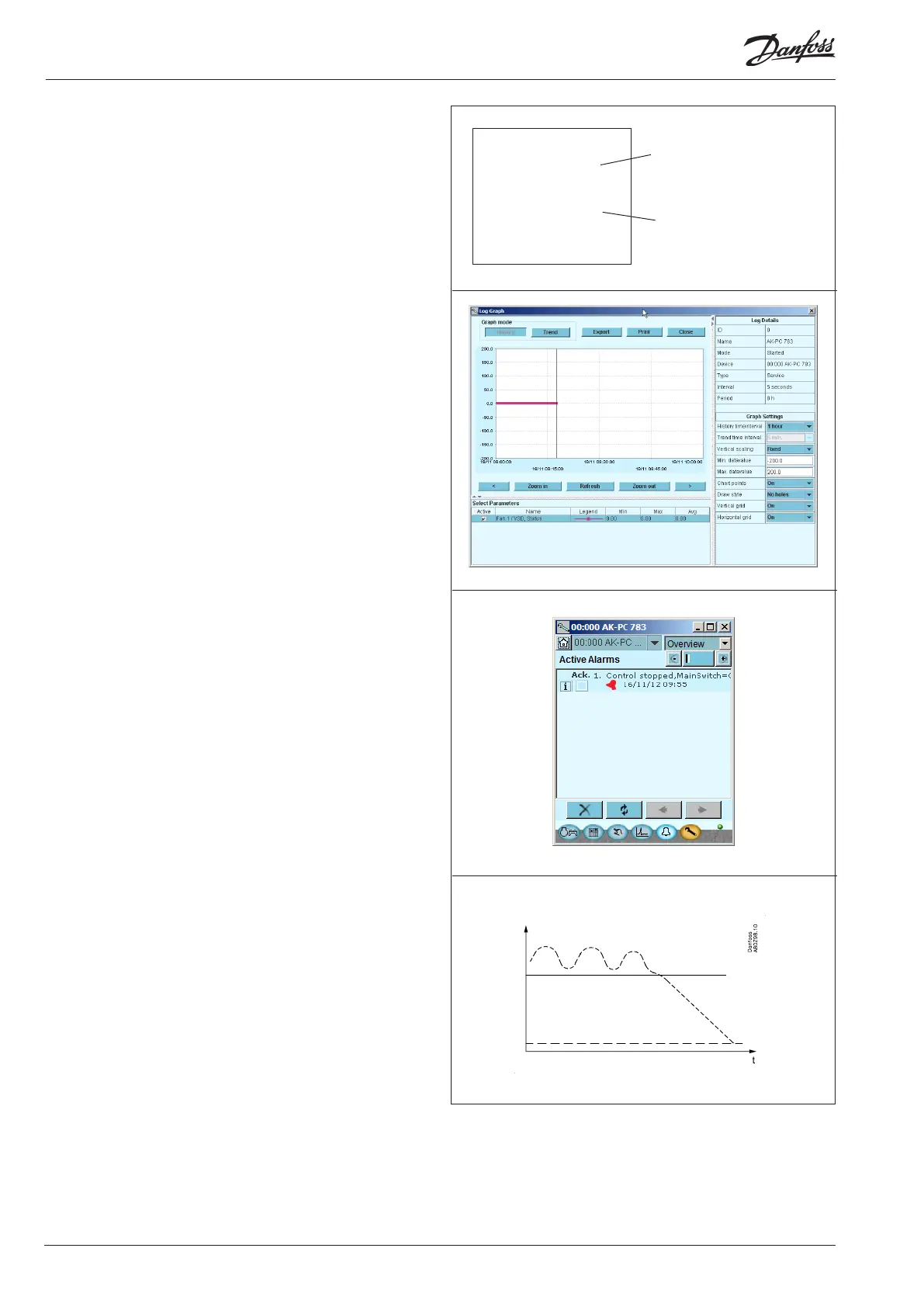
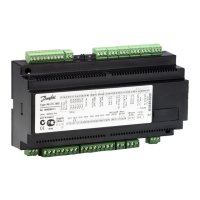
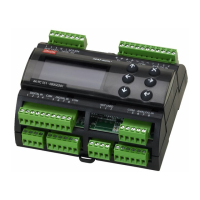
Light-emitting diodes
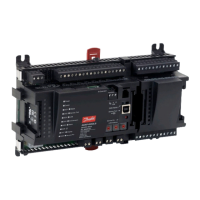
A number of light-emitting diodes makes it possible to follow the
signals that are received and transmitted by the controller.
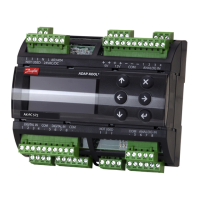
Log
From the log function you can dene the measurements you wish
to be shown.
The collected values can be printed, or you may export them to a
le. You can open the le in Excel.
If you are in a service situation you can show measurements in a
trend function. The measurements are then made real-time and
displayed instantly.
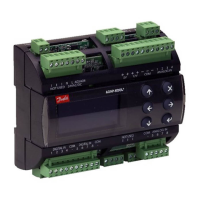
Alarm
The display gives you an overview of all active alarms. If you wish
to conrm that you have seen the alarm you can cross it o in the
acknowledge eld.
If you want to know more about a current alarm you can click on it
and obtain an information display on the screen.
A corresponding display exists for all earlier alarms. Here you can
upload information if you need further details about the alarm
history.
Trouble-shooting
The controller contains a function that continuously follows
a number of measurements and deals with them. The result
indicates whether the function is OK or whether an error may be
expected within a given period of time (“the trip down the roller
coaster has started”). At this time an alarm is transmitted about
the situation – no error has appeared as yet, but it will come.
One example may be slow clogging-up of a condenser. When the
alarm comes the capacity has been reduced, but the situation is
not serious. There will be time to plan a service call.
■ Power
■ Comm
■ DO1 ■ Status
■ DO2 ■ Service Tool
■ DO3 ■ LON
■ DO4 ■ I/O Extension
■ DO5 ■ Alarm
■ DO6
■ DO7
■ DO8 ■ Service Pin
Slow ash = OK
Quick ash = answer from gateway
Constantly ON = error
Constantly OFF = error
Flash = active alarm/not cancelled
Constant ON = Active alarm/cancelled




 To Next Page