86 Capacity controller RS8GN202 © Danfoss 11-2013 AK-PC 783
Schedule function
1. Go to Conguration menu
2. Select schedule
3. Setup schedule
We have not used the Schedule function, in which the regulation is
performed via the optimisation of suction pressure, in our example.
Here, the system unit adjusts the suction pressure to the current need —
during both day and night.
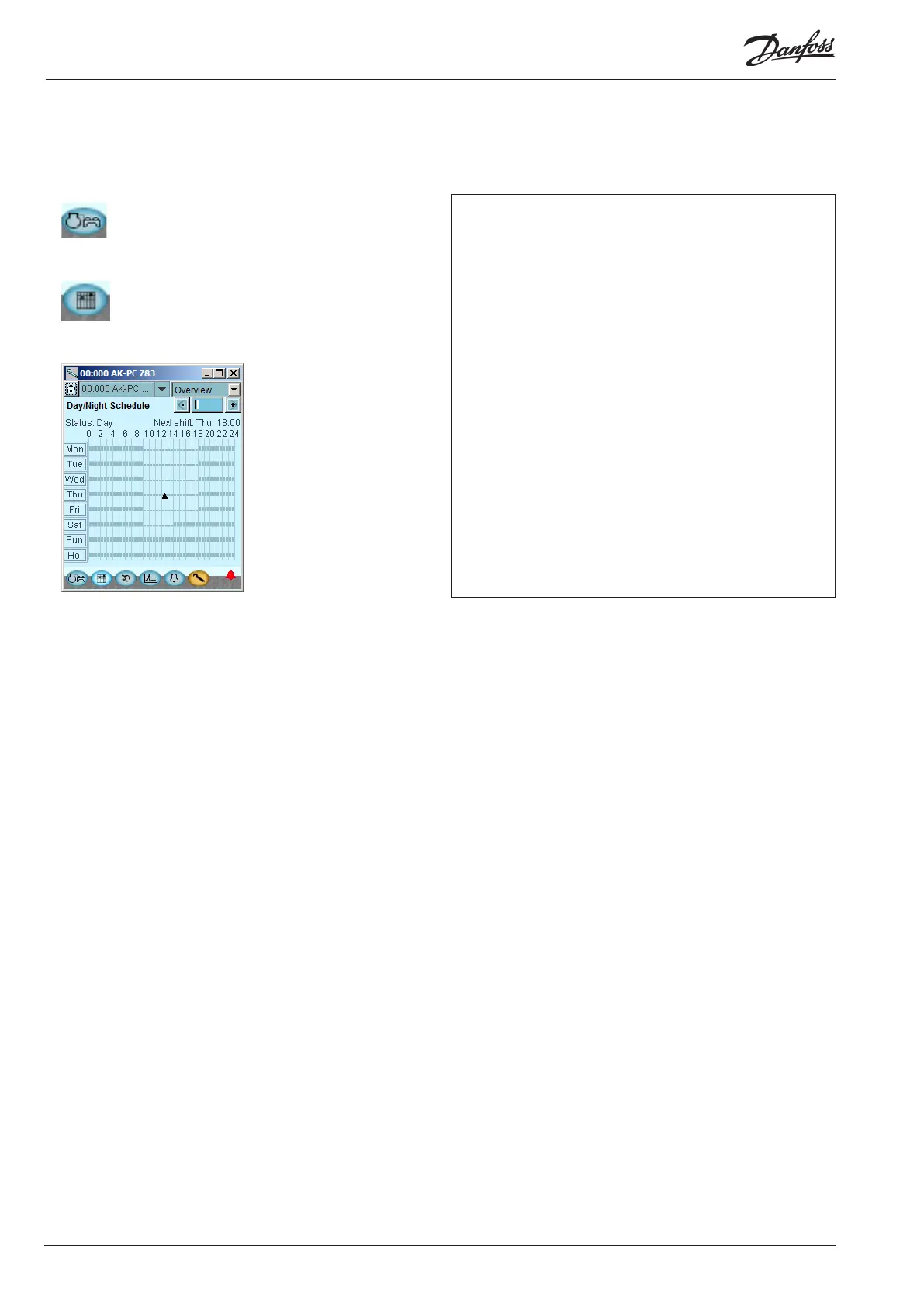
Shown on the left is an example of a schedule in which the suction pres-
sure is increased during night-time operation.
In other cases where the controller is installed in a network with one
system unit, this setting may be made in the system unit which will then
transmit a day/night signal to the controller.
Press a weekday and set the time for the day period.
Continue with the other days.
A complete weekly sequence is shown in the display.






 To Next Page