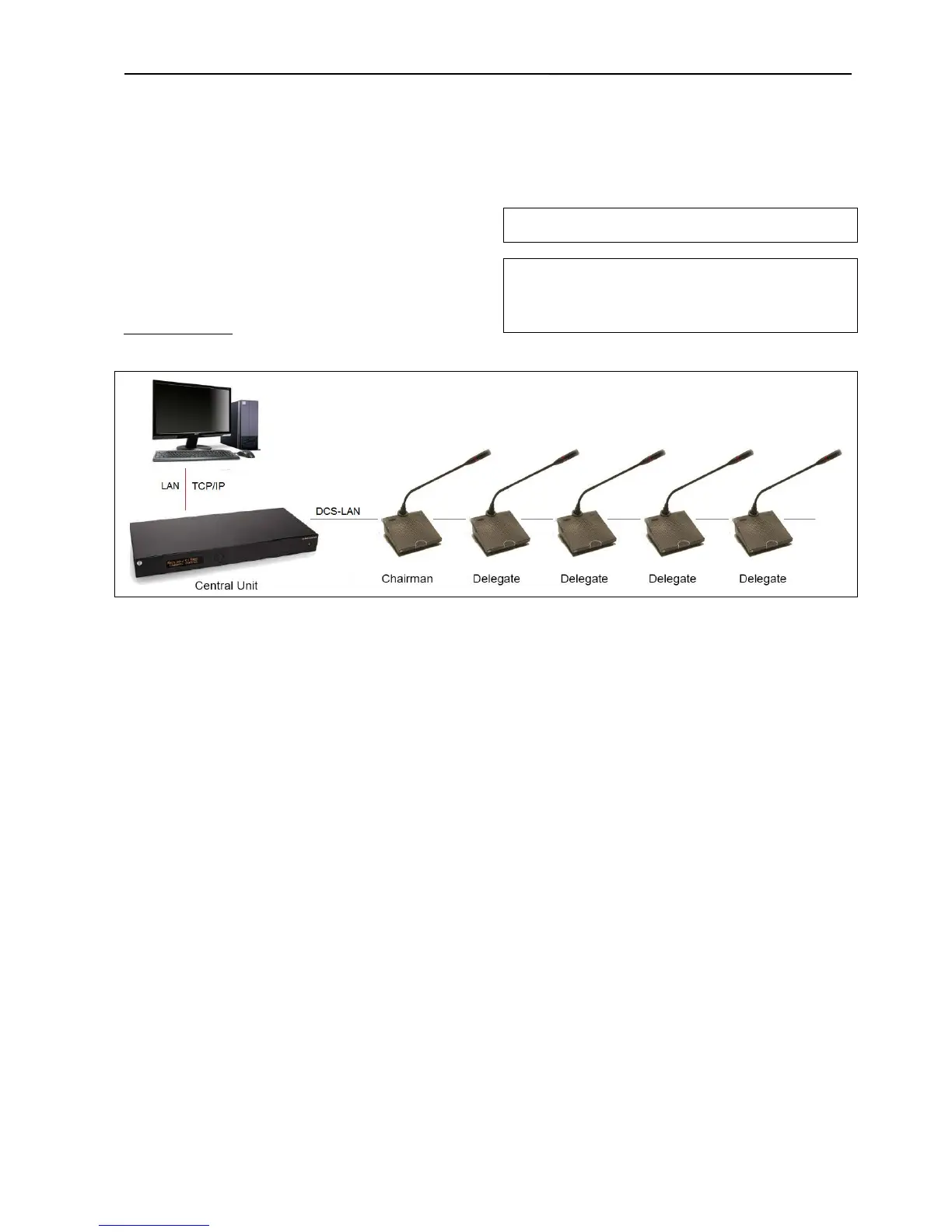
The CU 6105 is connected to the Conference Units
using EC 6001-xx Cat5e cables and is connected to a
PC with a LAN cable.
Opening the browser in the PC gives the option of
configuring the system and controlling the
Conference units from the PC. Please refer to section
‘6.5 Web Browser
’ for more information.
Hint: On older PC’s it might be needed to setup a fixed IP
address on both the PC and the CU.
Note: Depending on the type of PC a ‘Crossed’ LAN cable
has to be used.
Instead of using a ‘Crossed’ LAN cable, a LAN Router can be
inserted.
Figure 6.3-C Connecting the DCS 6000 Digital Conference System to a PC



 To Next Page