DIS User Manual
User Manual CU 6105.docx
6.5.2 CU 6105 Mic. Control (browser)
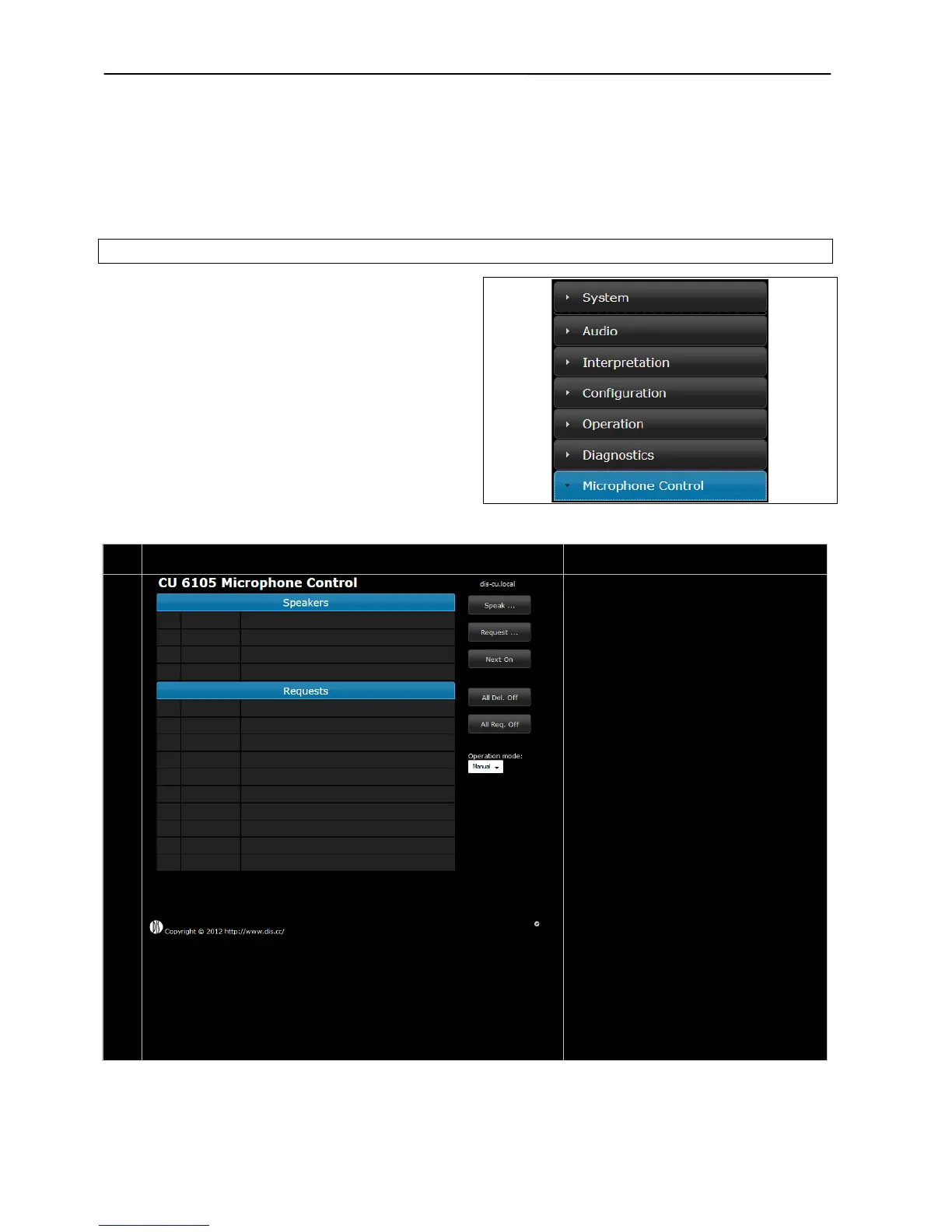
The microphone control screen is selected by clicking
the ‘Microphone Control’ button in the ‘CU 6105
Setup’ screen.
Figure 6.5-D shows the screens available with a
description of the functionality for each screen.
Figure 6.5-C CU 6105 Setup, Browser Menu
The microphone control page gives the
option of switching On/Off microphone and
depending on ‘Operation mode’ setting
microphones into the ‘Request to speak’
Brings the ‘Delegate Microphone (Speak)’
list. See #26 later in this table.
Request … –
Brings the ‘Delegate Microphone (Request)’
list. See #27 later in this table.
Next On –
Pressing the ‘Next On’ button turns on the
first request on the request list
All Del. Off –
Pressing the ‘All Del Off’ button turns off all
delegate microphones
All Req. Off –
Pressing the ‘All Req. Off’ button empties
the ‘Requests’ list.
Operation mode –
Drop down menu used to switch between
the operation modes. Please refer to the
section ‘6.6 Operation Modes’.



 To Next Page