4. CONTROLS
17
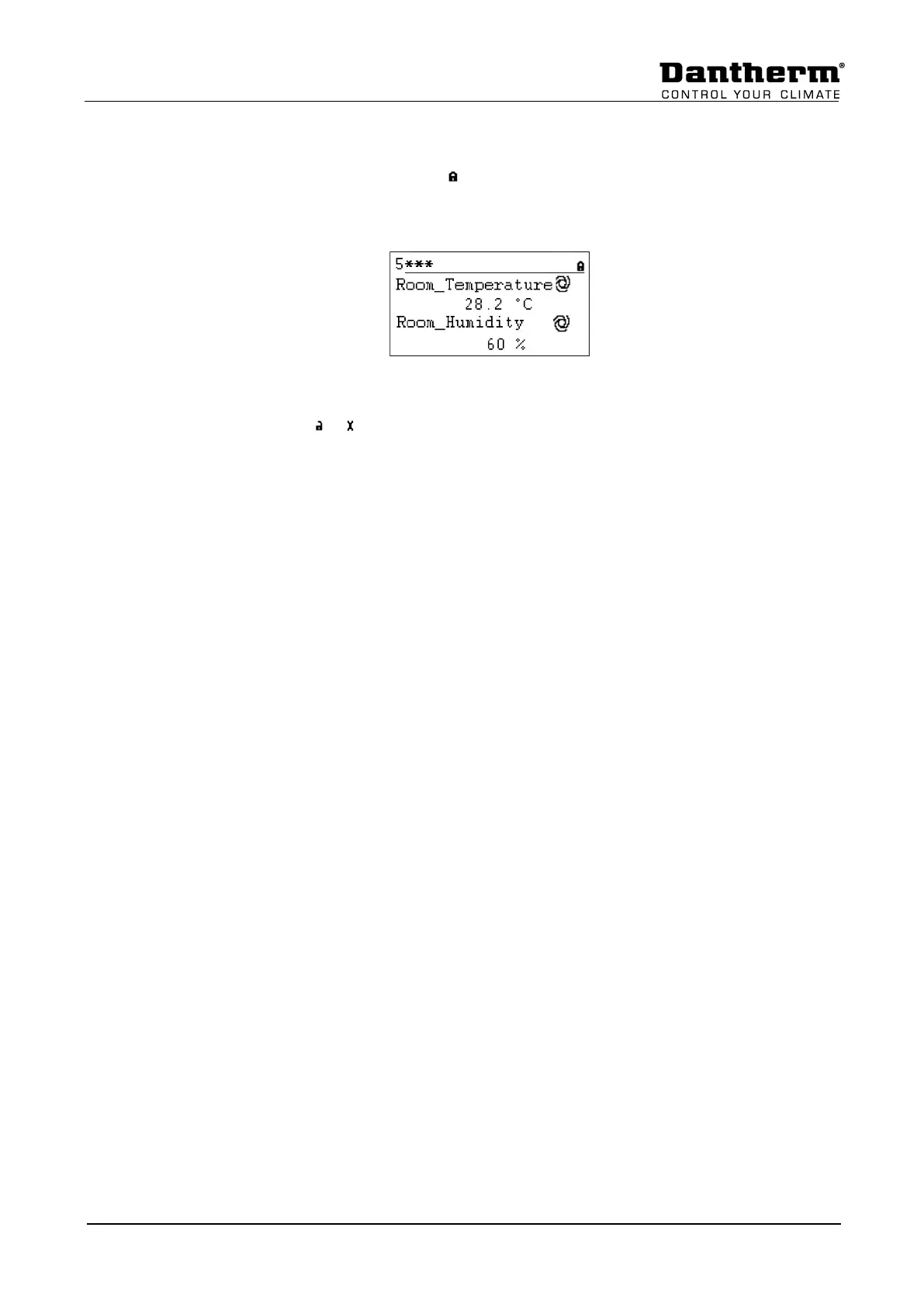
To access level 2 or 3 highlight the icon in the top right of the start display by rotating the
Rotate button. Press the Rotate button and you now have the possibility to enter your
password.
Find the right number by rotating the Rotate button and then press the Rotate button to
accept. Do so with all 4 numbers. After having accepted the last one, the password icon will
change either to or , depending on the password you have entered.


 To Next Page