4. CONTROLS
20
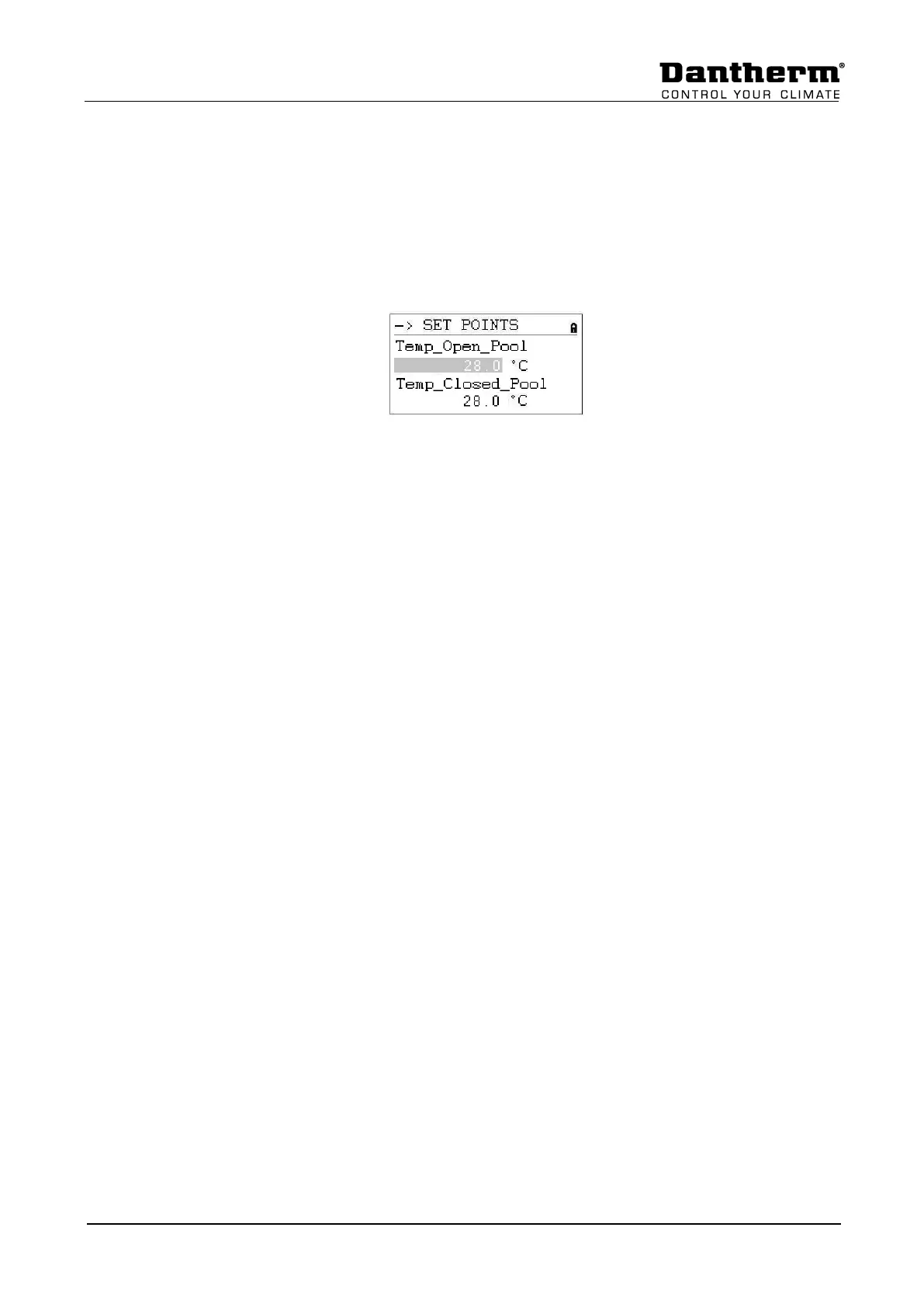
4.3.3.1 Set Point change
Before changing the set points, you need to enter the password for access level 2, see
chapter 4.3.1. For Min/Max supply temperature level 3 password is needed.
To change one of the set points, move to the set point you wish to change. Push the Rotate
button and you can now change the value by turning the Rotate button and then push the
button again. Now the set point is changed.


 To Next Page