4. CONTROLS
31
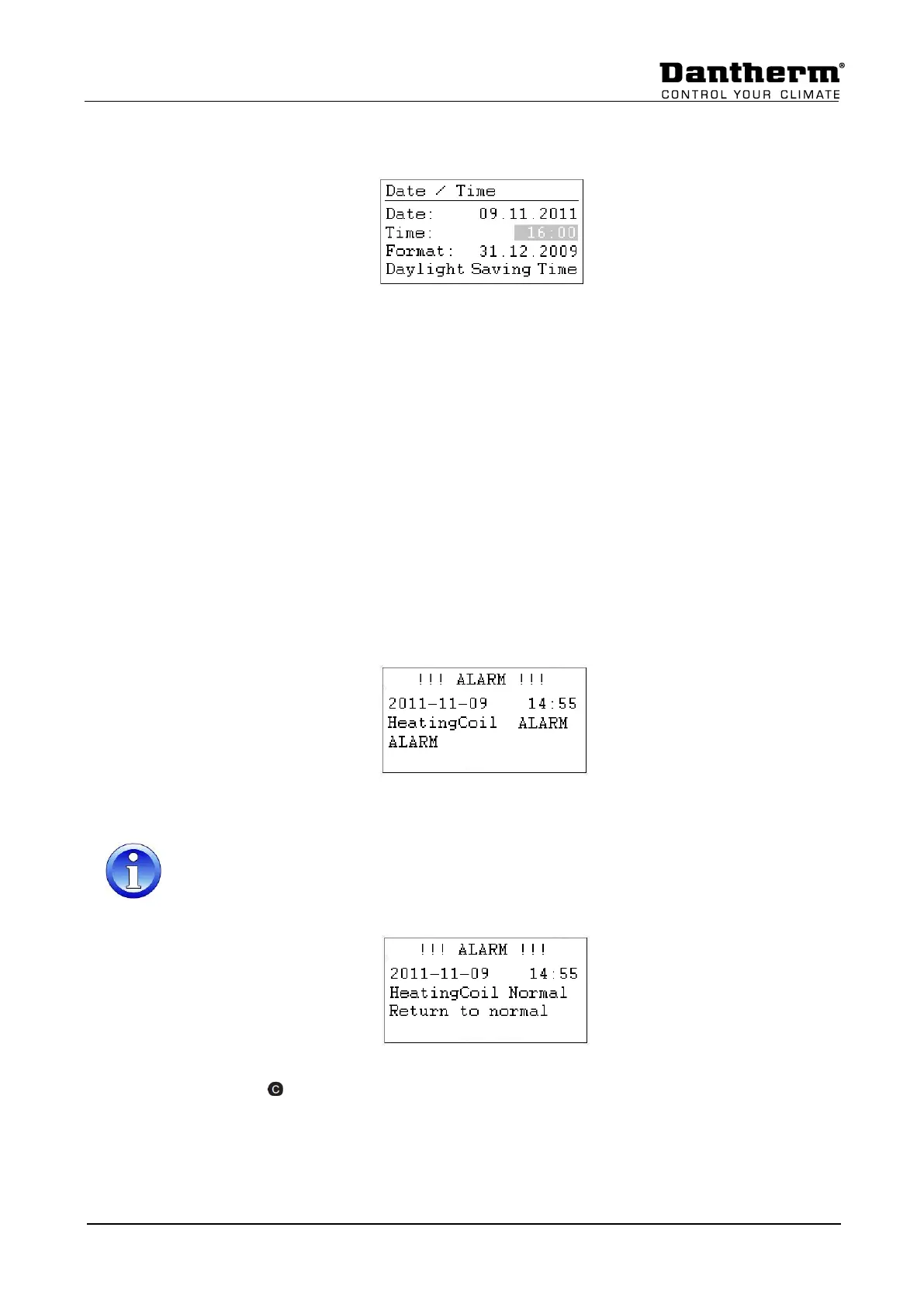
4.4.4.1 Date / Time change
Rotate the Rotate button and highlight the line you will change. Press the Rotate button,
change the value and press the Rotate button again to accept the value.
4.4.4.2 Day light saving
Normally the controller runs in winter time mode. If in your country you have summertime,
you can set the start datum and the end datum for the summer time period under Daylight
Saving Time. Highlight “Daylight Saving Time” and pressing the Rotate button, you can set
now the start and stop days for summer / wintertime, so the controller automatically changes
from winter- to summertime and the other way around.
4.5 Alarms
If there is a current alarm and the unit has stopped, the actual alarm will be shown in the
display like this frost alarm.
When the unit has stopped, because of a critical fault you have to do the following:
• Switch off the unit at the repair breaker.
• Locate the fault and correct it (see 7.2).
• Switch on the unit again and you will find the following information on the screen.
Press the Cancel key button and you will see the standard display again.


 To Next Page