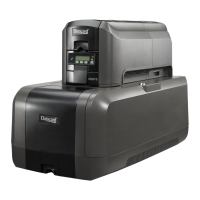
20 CE840 Instant Issuance System
CE840 Instant Issuance System Quick Install Guide
c. Select TroubleShooting >Test Card.
d. Select the Emboss test card option and the test card
to run. Each test card tests the position and quality
of embossed and indented characters. Refer to the
printer’s Installation and Administrator’s Guide for a
description of the test cards.
Note: If your printer does not have a printhead installed,
do not select the Color check box.
e. Click Run to print the test card.



 To Next Page
 Loading...