3 Description
USB port
The DATAEAGLE X-treme has a USB port for configuration and software
updates via the DATAEAGLE Wizard tool. This is located behind the PG screw.
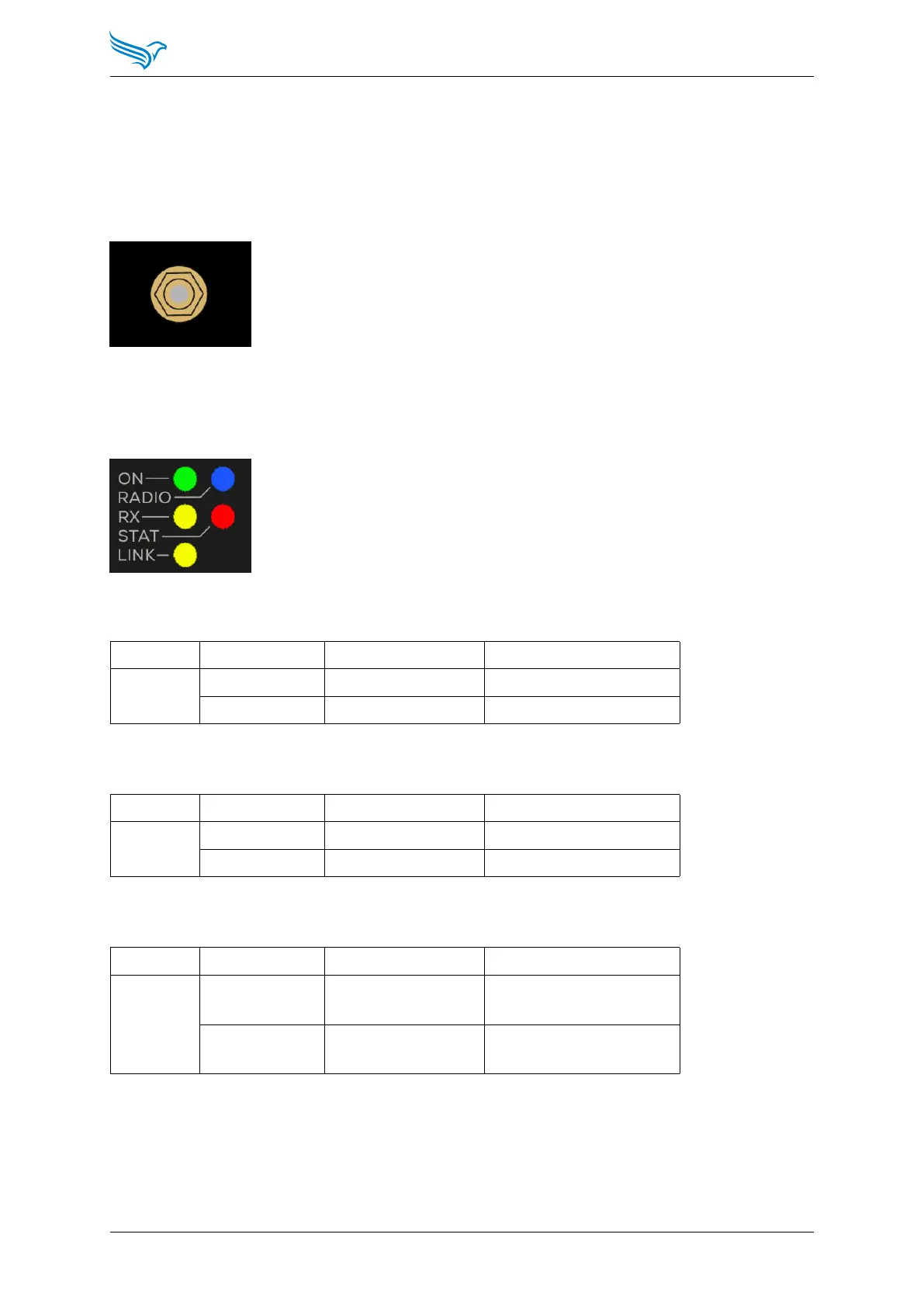
Antenna connection
SMA connector for antenna
3.4.2 LEDs
ON LED
LED Indication State Description
ON Green Permanently lit Power ok
Off Off Power not ok
RX LED
LED Indication State Description
RX Yellow Flashing Radio reception
Off Off No radio reception
RADIO LED
LED Indication State Description
RADIO Blue On/Blinking Radio connection(s)
active
Off Off Radio Connection(s)
inactive
Manual
DATAEAGLE 4000 Series - Wireless ETHERNET
16



 To Next Page