6 Commissioning
6.4.2 Diagnostic via terminal mode
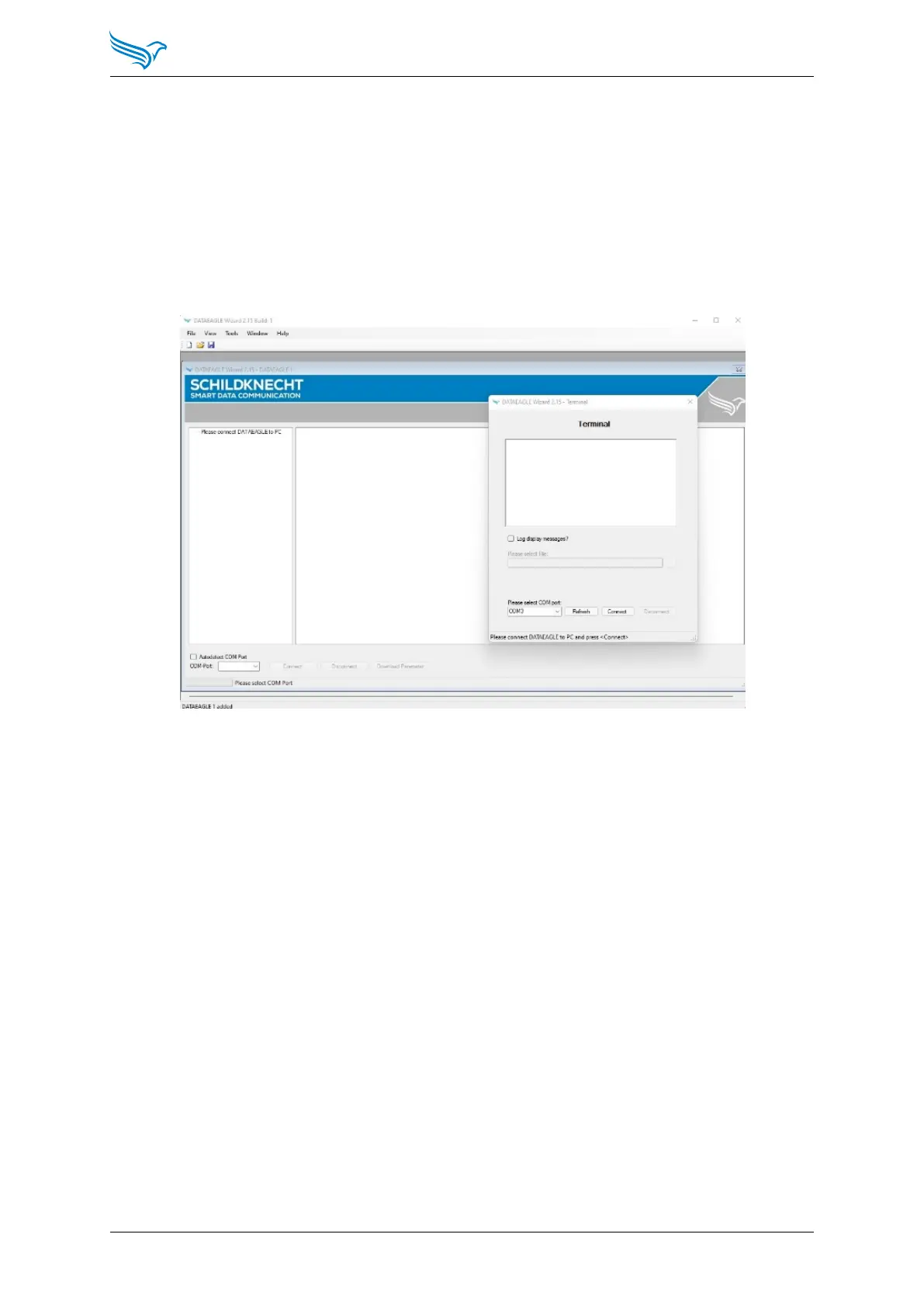
A diagnosis is also possible via the terminal function of the DATAEAGLE Wizard.
The following steps are necessary for this.
In the DATAEAGLE Wizard, use the ”Tools” menu to select ”Terminalmode”.
A new window opens. Check the COM port and select ”Connect”.
The document (DATAEAGLE 4000 Series - Diagnostic via DATAEAGLE Wizard -
EN.pdf) describes and explains the display in the terminal.
Manual
DATAEAGLE 4000 Series - Wireless ETHERNET
40



 To Next Page