6 Commissioning
6.3 Configuration radio parameters
The following must be available for the device configuration (all components
included in the scope of delivery):
• USB driver - installed on PC
• DATAEAGLE Wizard configuration tool - installed on PC
• USB cable - between PC and DATAEAGLE
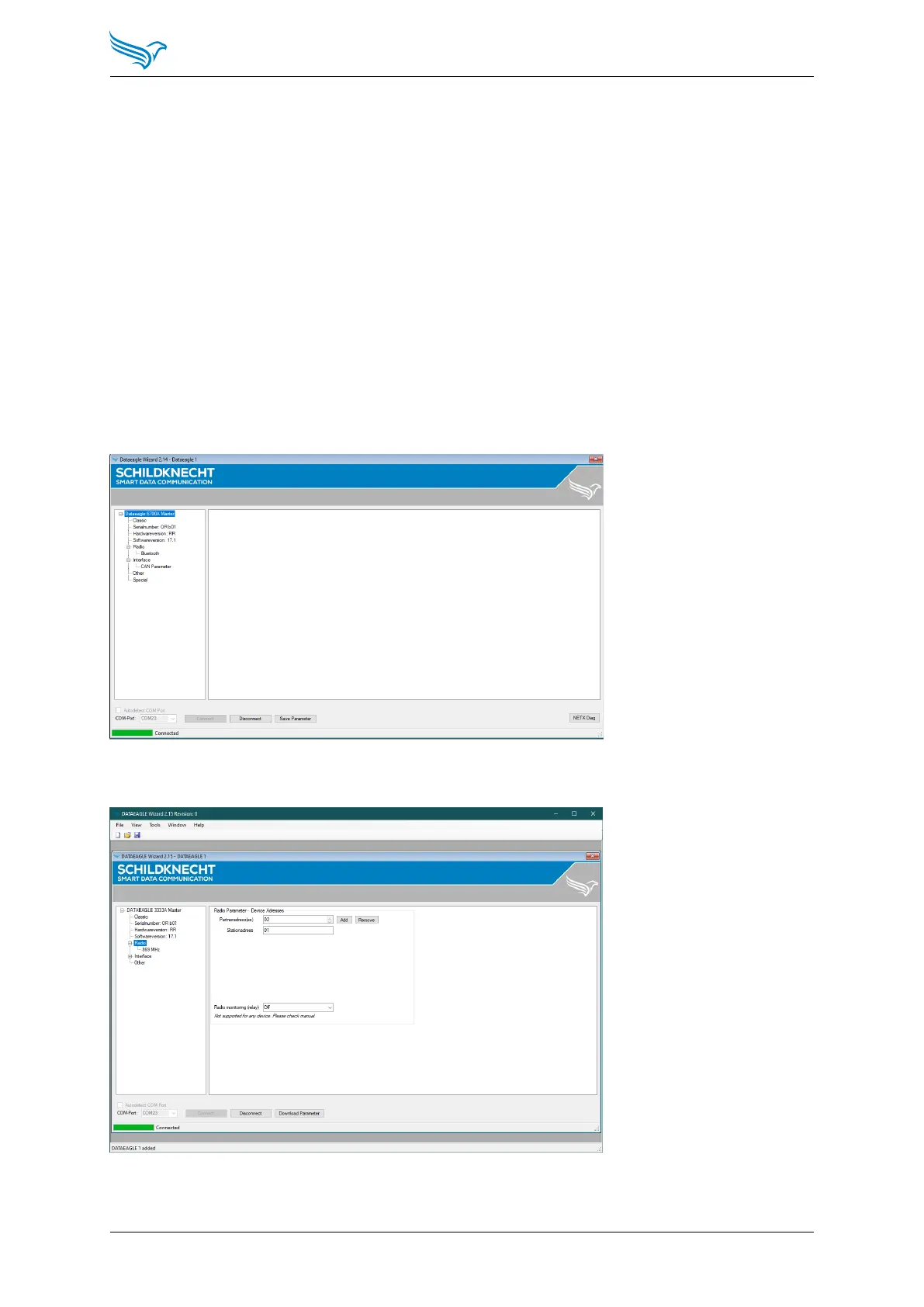
Connect DATAEAGLE to the PC via the USB cable and start the DATAEAGLE
Wizard configuration software.
Select Connect to connect to DATAEAGLE and read the configuration. The
DATAEAGLE must be switched on for this.
Select in the menu tree: Interface → Radio
Manual
DATAEAGLE 4000 Series - Wireless ETHERNET
30



 To Next Page