6 Commissioning
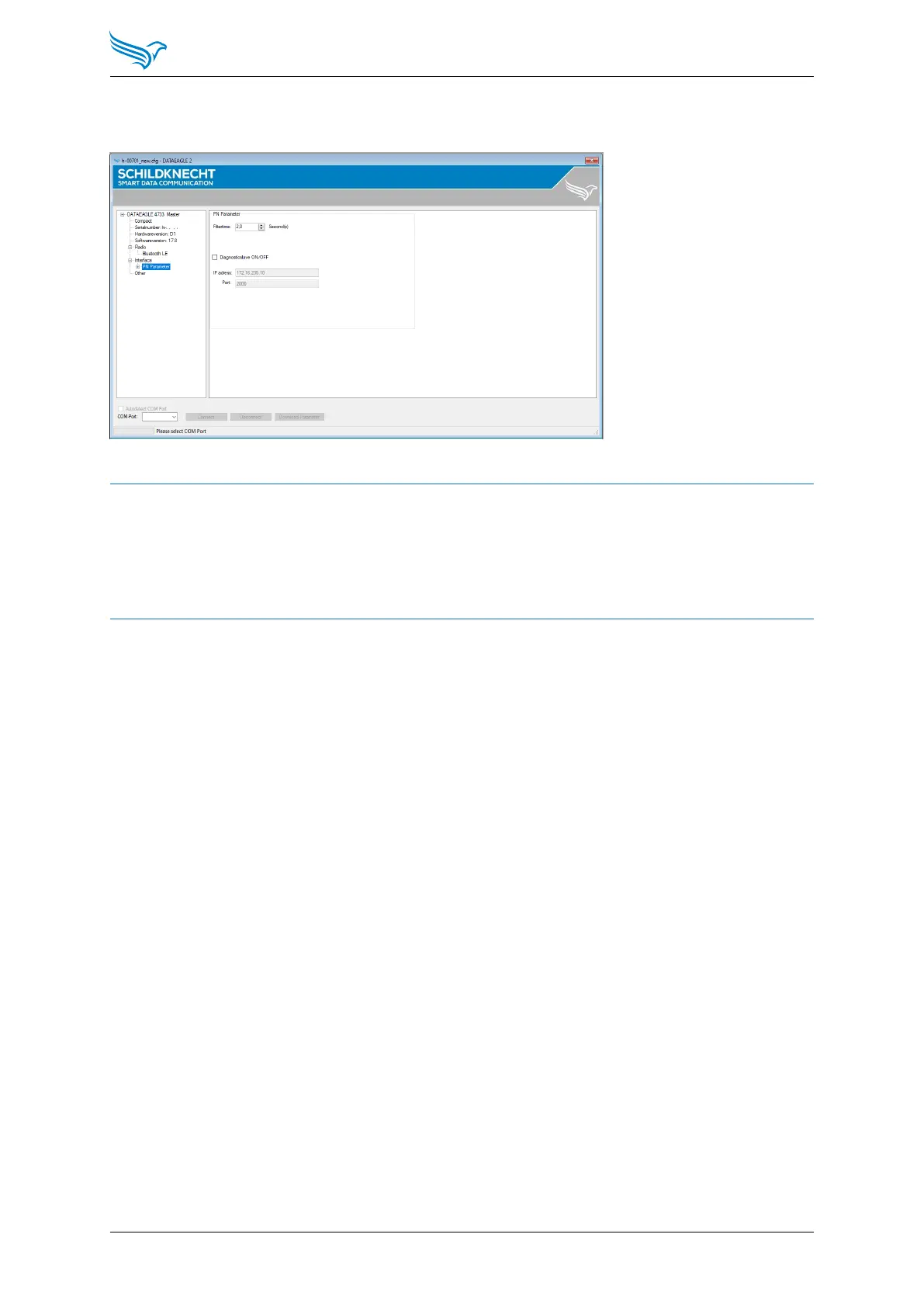
Select in the menu tree: Interface → PN Parameter
Set the filter time to the desired value.
NOTE
The filter time is configured to 2 seconds at the factory.
A too high configured filter time can lead to a delayed shutdown reaction of
the connected devices in case of an error. Therefore, please check whether the
system with the set filter time matches the required reaction speed.
Manual
DATAEAGLE 4000 Series - Wireless ETHERNET
29



 To Next Page