6 Commissioning
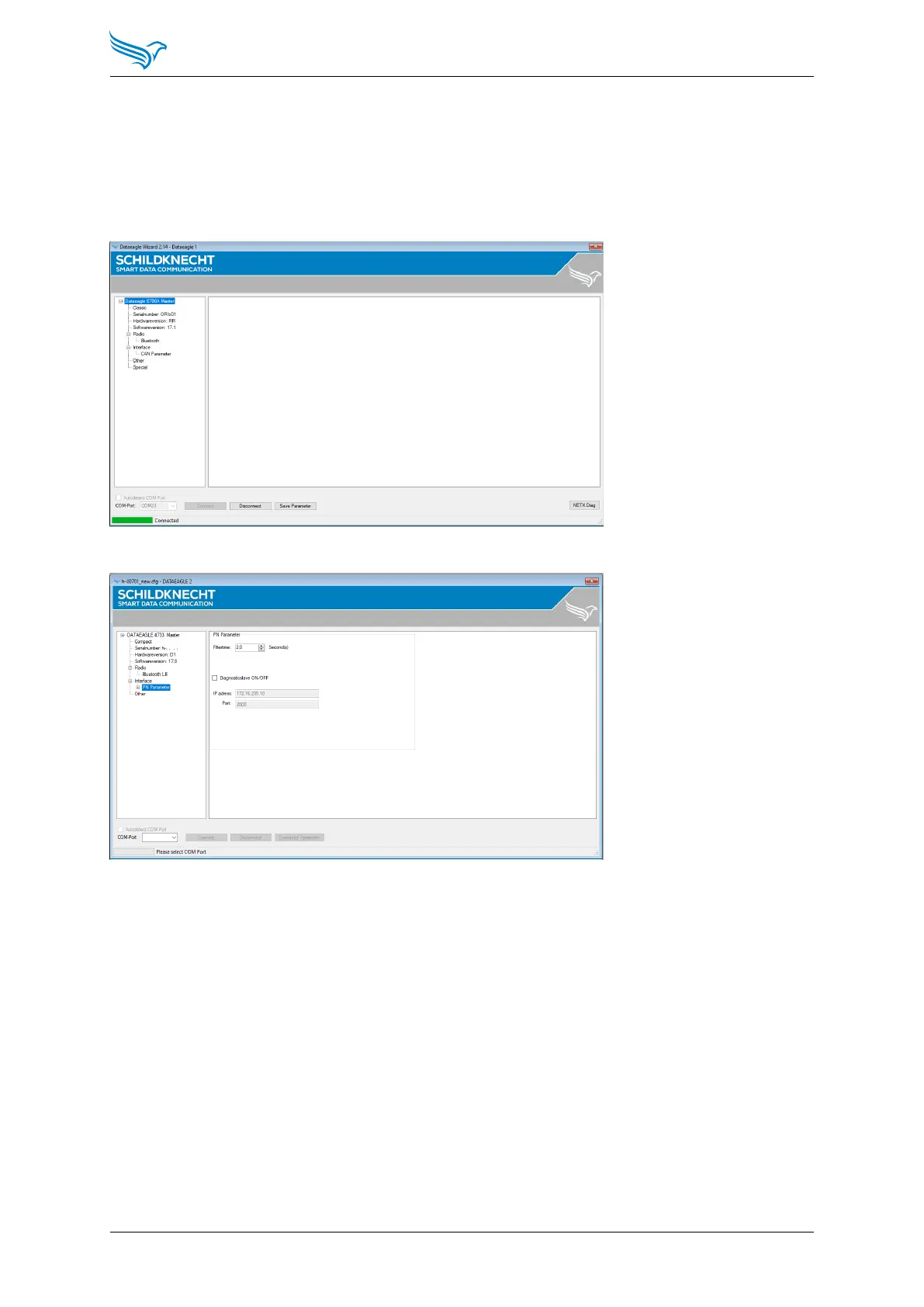
To do this, connect DATAEAGLE to the PC via the USB cable and start the
DATAEAGLE Wizard configuration software.
Select Autodetect COM Port and then Connect to connect to DATAEAGLE
and read the configuration. The DATAEAGLE must be switched on for this.
Select in the menu tree: Interface → PN Parameter
The document (DATAEAGLE 4000 Series - Dignostic via UDP - EN.pdf)
describes and explains the diagnosic via UDP.
Manual
DATAEAGLE 4000 Series - Wireless ETHERNET
39



 To Next Page