!
!
!
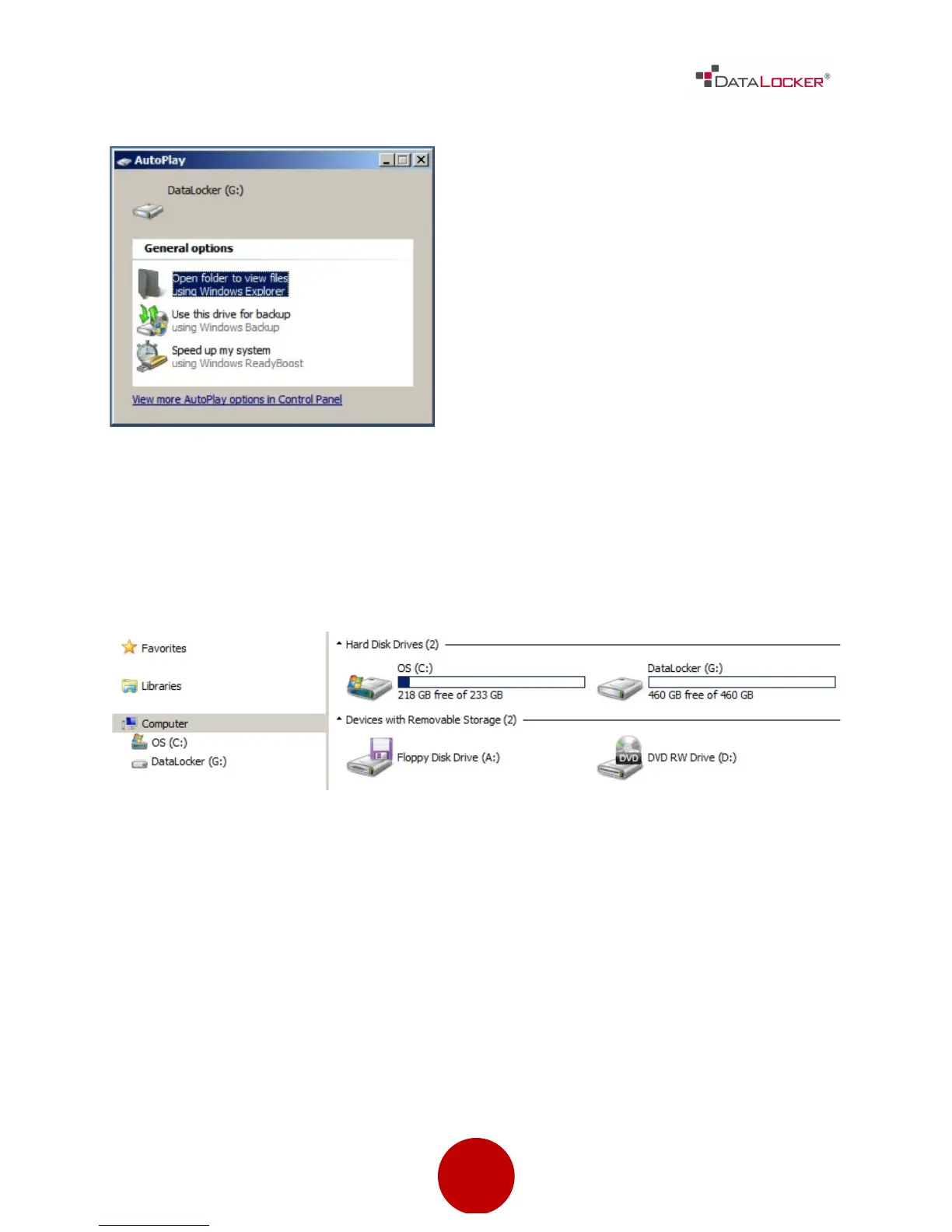
After you press the [CONNECT] button
on the DL3™ drive, it will begin
connecting to the computer. By
default, Windows will show an
AutoPlay dialog once the drive has
successfully connected.
In Windows Explorer you will now see a new drive called “DataLocker” listed in
the Hard Disk Drives section. A new drive letter will be automatically assigned to
this drive. You may now start using your DL3™ drive!
!



 To Next Page