USE AND FUNCTIONING
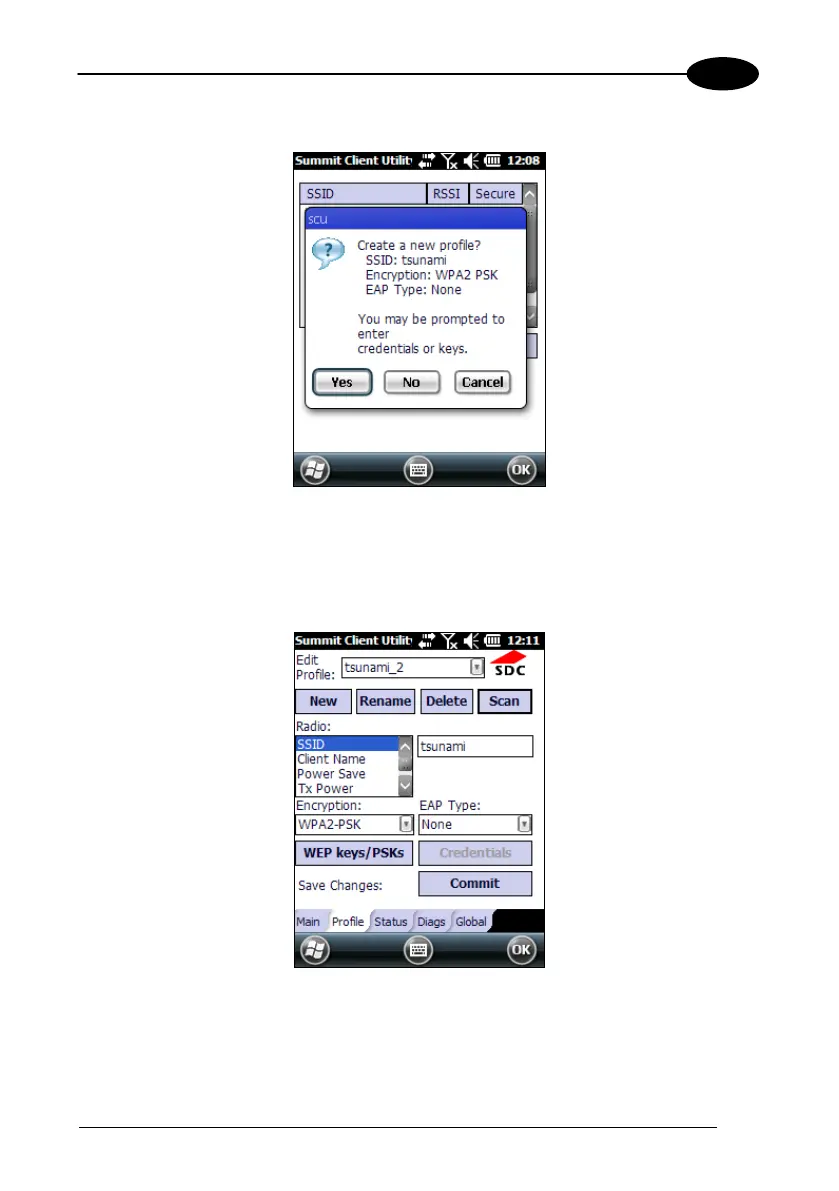
3. Tap the "Configure" button
4. Follow the on-screen instructions to configure security parameters for your
network. For more detailed settings specific to your installation please contact
your wireless network administrator.
5. When finished, tap “Commit” to save your settings.
Return to the “Main” tab, if you have not previously selected “Commit” you will be
prompted to save your changes.



 To Next Page