A26618-A
ENG
Base model
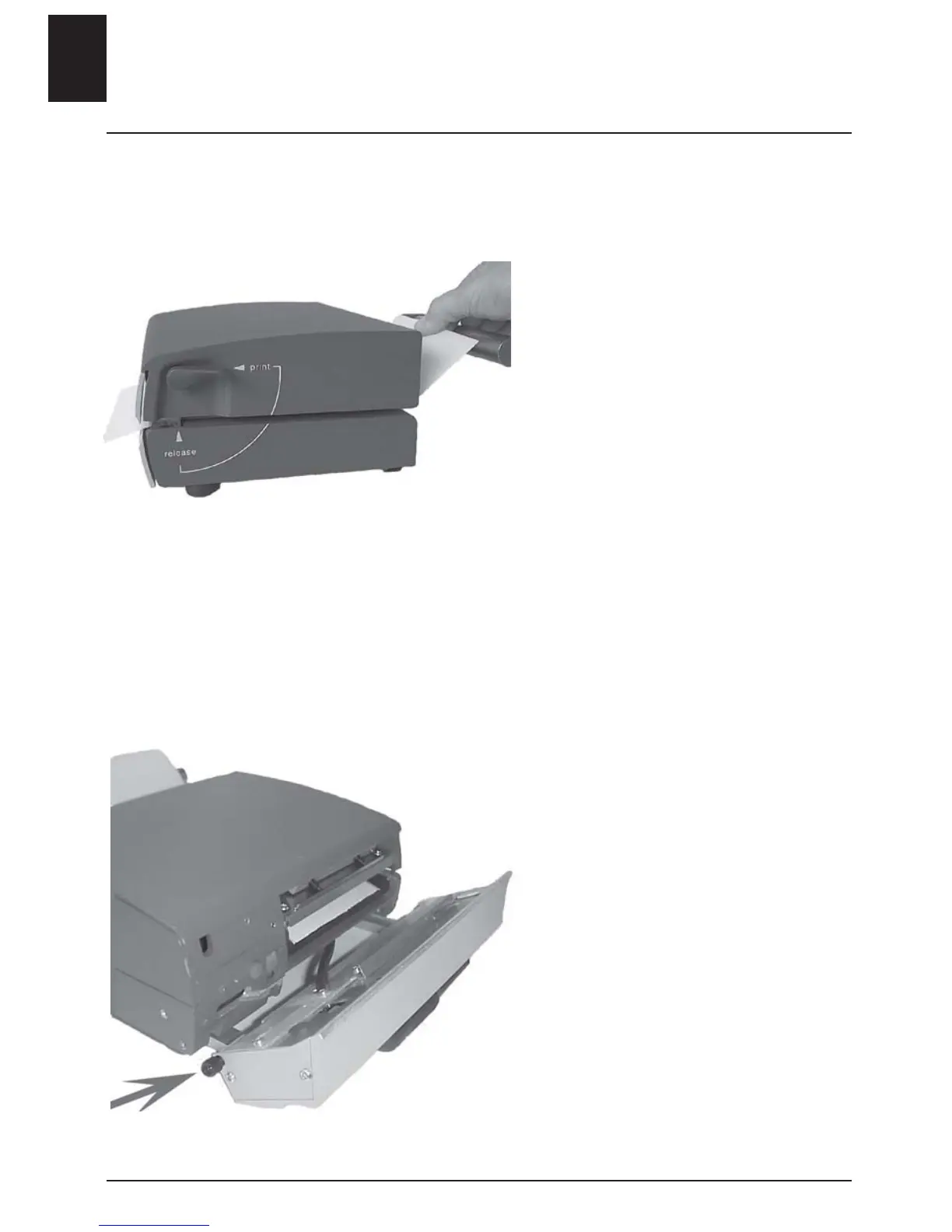
- Turn the release lever to lift the
printhead.
- Remove the media roll.
• Use the special cleaning cloths
provided.
- Feed in the cloth in the same
manner as the media.
- Turn the release lever to PRINT.
- Hold on to the cloth.
- Start the printer by pressing the
red print button.
- Keep holding on to the cloth for
several seconds (the roller is cleaned).
- Let go of the cloth (the print
head is cleaned).
Discard the cleaning cloth.
Printer with cutter
- Pull out the locking pin.
- Fold down the cutter.
• Follow instructions for the base
model.
Cleaning
8 - ENGLISH












 To Next Page