16 / 24
Facelook X1 User’s Manual
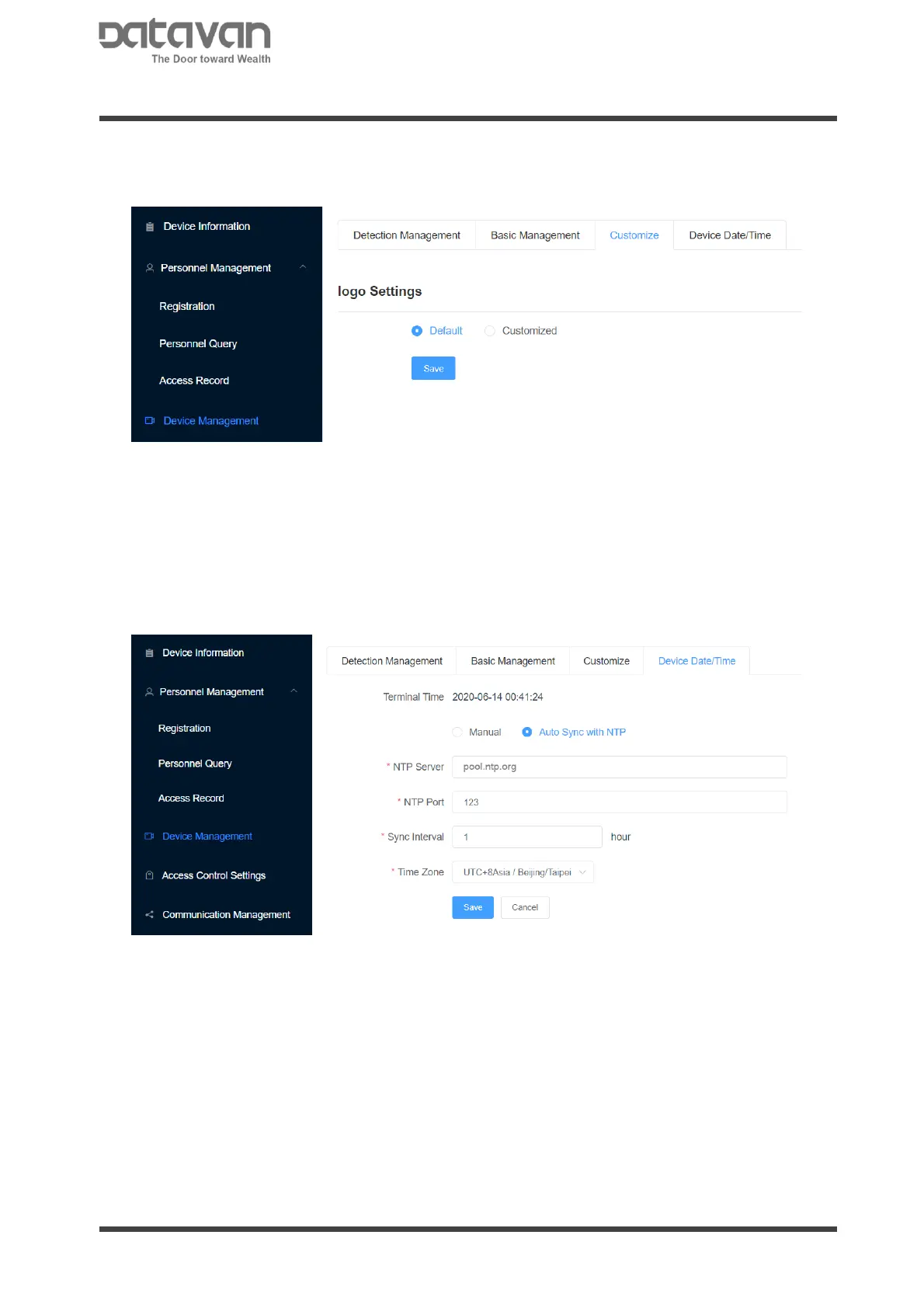
3. Customize
This page is to upload logo and calibrate temperature.
Logo Setting
This is to upload the device identification logo at the lower-left corner of display. The
default does not show a logo. Select [Customize] and choose a logo file to upload
logo file. The file format should be PNG.
4. Device Date/Time
The device is capable of automatically synchronize the time to network time server.
Select [Auto Sync with NTP] and fill the NTP server address in the column.
Select [Manual] to manually synchronize the time with PC.



 To Next Page