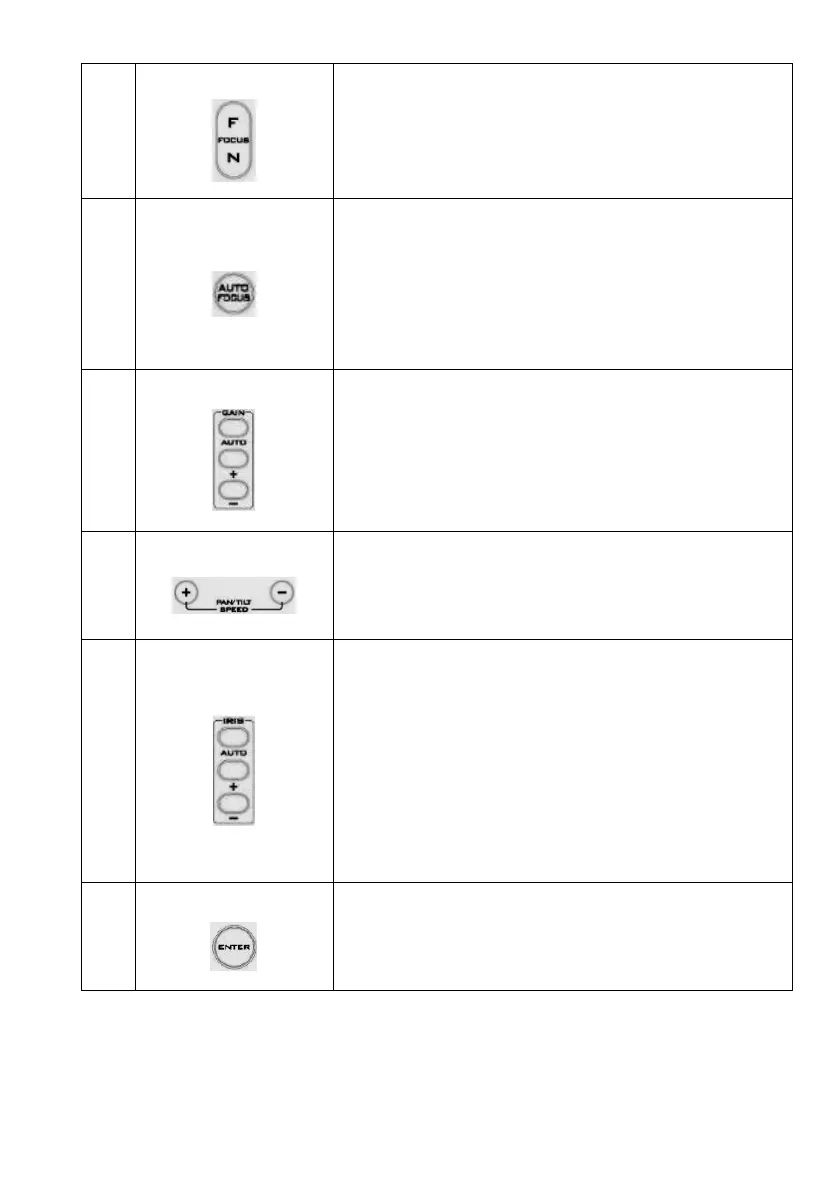
Manually focus camera lens on a subject
Press either (F) FAR button or (N) NEAR button to manually focus
the camera lens onto the subject.
Automatically focus camera lens on a subject
Press A/ FOCUS button. Camera lens will be automatically focused
on the subject such that it is positioned at the center of the screen.
Exit Sub-Menu Option
Press A/ FOCUS button to exit sub-menu option.
Adjust Brightness
Press GAIN+ button to increase the brightness or GAIN- button to
decrease the brightness of the environment.
To cancel the function or return to default setup, press A/ GAIN
button.
Adjust Pan/ Tilt Speed
Press SPEED + / - button to switch to different speeds (up/down).
Make the subject appear brighter
Adjust the iris opening (aperture), to control the amount of light
coming through the lens (i.e. the "exposure"). Press IRIS+ button
to enlarge the iris opening to allow more light to come in so that
the subject appears brighter and press IRIS- button to shrink the
iris opening to allow less light to come in so that the subject
appears less bright.
To cancel the function or return to default setup, press A/IRIS
button.


 To Next Page