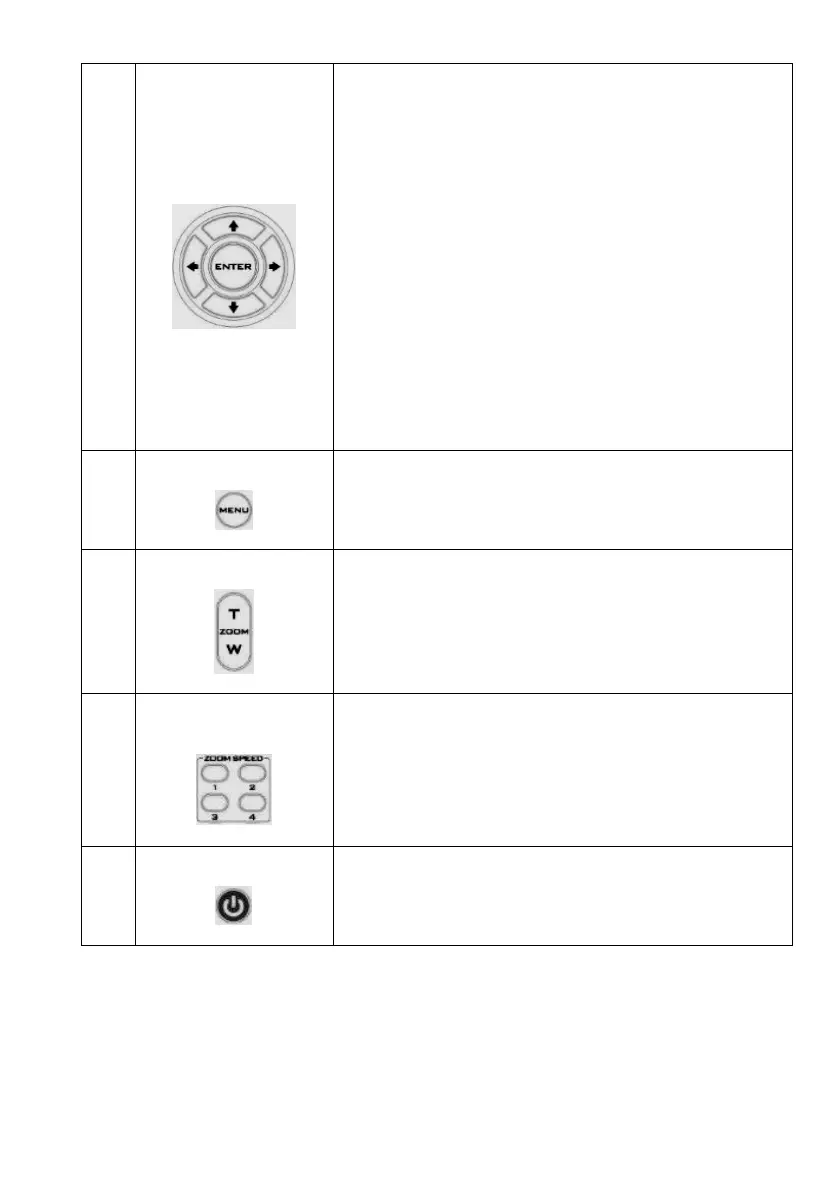
Change camera direction
Press arrow buttons to change the direction of the camera head.
Stop Preset Point Auto Scan mode
Press any of the DIRECTION buttons.
Select Menu Option
Press UP or DOWN button to select the menu option.
Adjust P/T Speed
Press UP or DOWN button to adjust the PAN/TILT Speed.
Enter Sub-Menu Option
Press ENTER button to enter sub- menu option.
Adjust Setup Value
Press LEFT or RIGHT button to adjust the value.
Zoom
Press either (T) TELE button to zoom in on the subject such that it
appears to be close to the camera or (W) WIDE button to zoom
out from the subject such that it appears to be far away from the
camera.


 To Next Page