PTZ TELEPROMPTER KIT TP-900
17
Optional Teleprompter Remote Controls
The TP-900 prompter can be controlled and monitored in real time over IP using a laptop or tablet.
Optionally you use the Datavideo WR-500 handheld controller, the Datavideo FS-30 foot switch controller or
generic 2.4 Ghz wireless presentation clickers.
Please see below for more details:
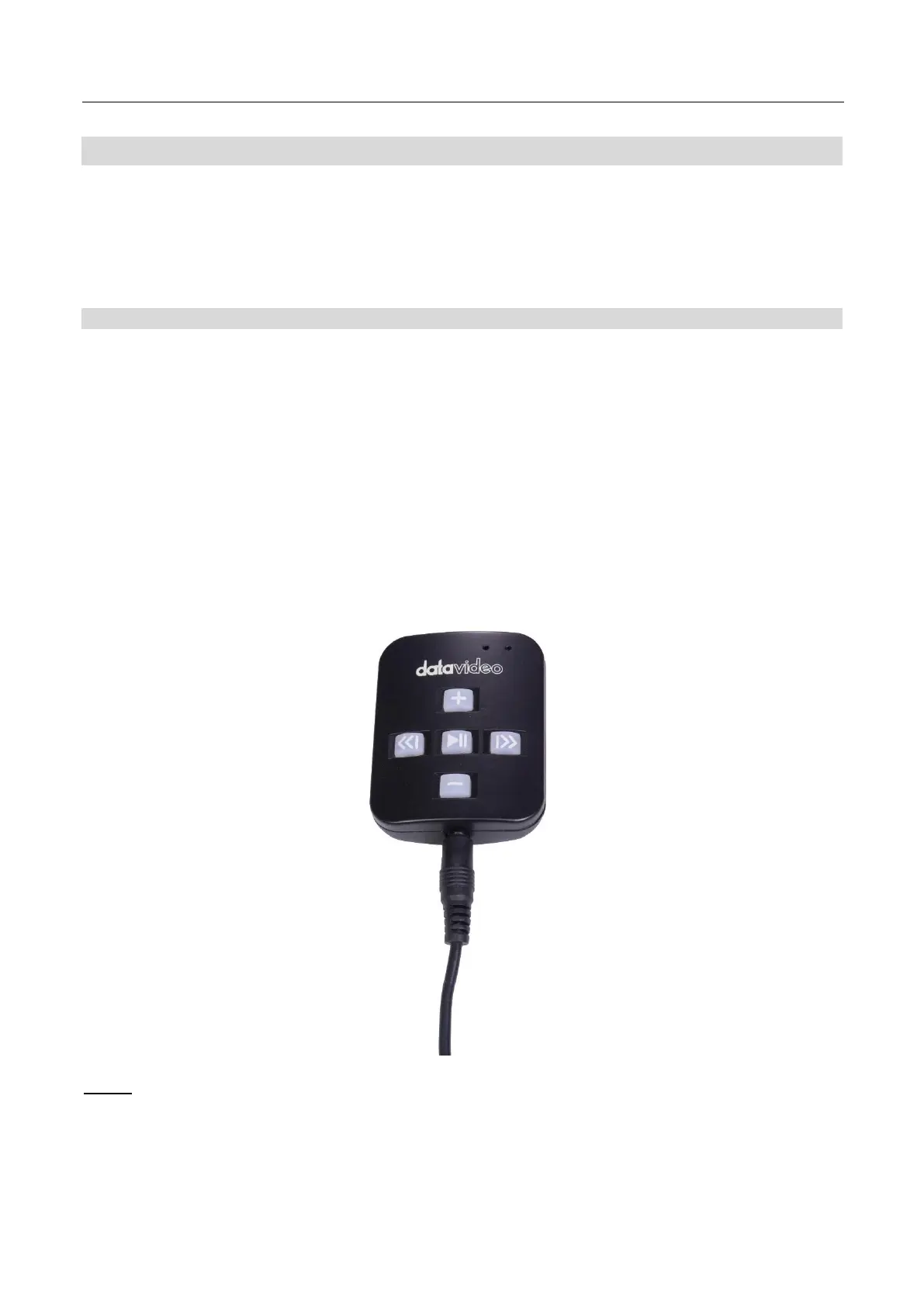
WR-500 Handheld Controller
Optionally you purchase the WR-500 remote control for direct wired control. The WR-500 remote control
supports Bluetooth and Wired operation, only wired operation is supported by TP-900.
The WR-500 supports control of both scrolling text and slides.
When first removed from the retail package the WR-500 remote is already in wired mode. When a button is
pressed a RED LED will flash.
In wired mode, the remote needs to be physically cabled to the TP-900. A four-pole jack to jack plug cable is
provided with this remote.
One end of the cable fits into the 3.5mm input adapter (Item I, supplied with the TP-900). The other end plugs
into the jack socket on the WR-500 remote.
NOTE: When using this remote in wired mode the DV Prompter Plus app should also be set to Wired – WR-
500 in the Remote menu option.



 To Next Page