PTZ TELEPROMPTER KIT TP-900
29
Playlists
Adding a script to the playlist
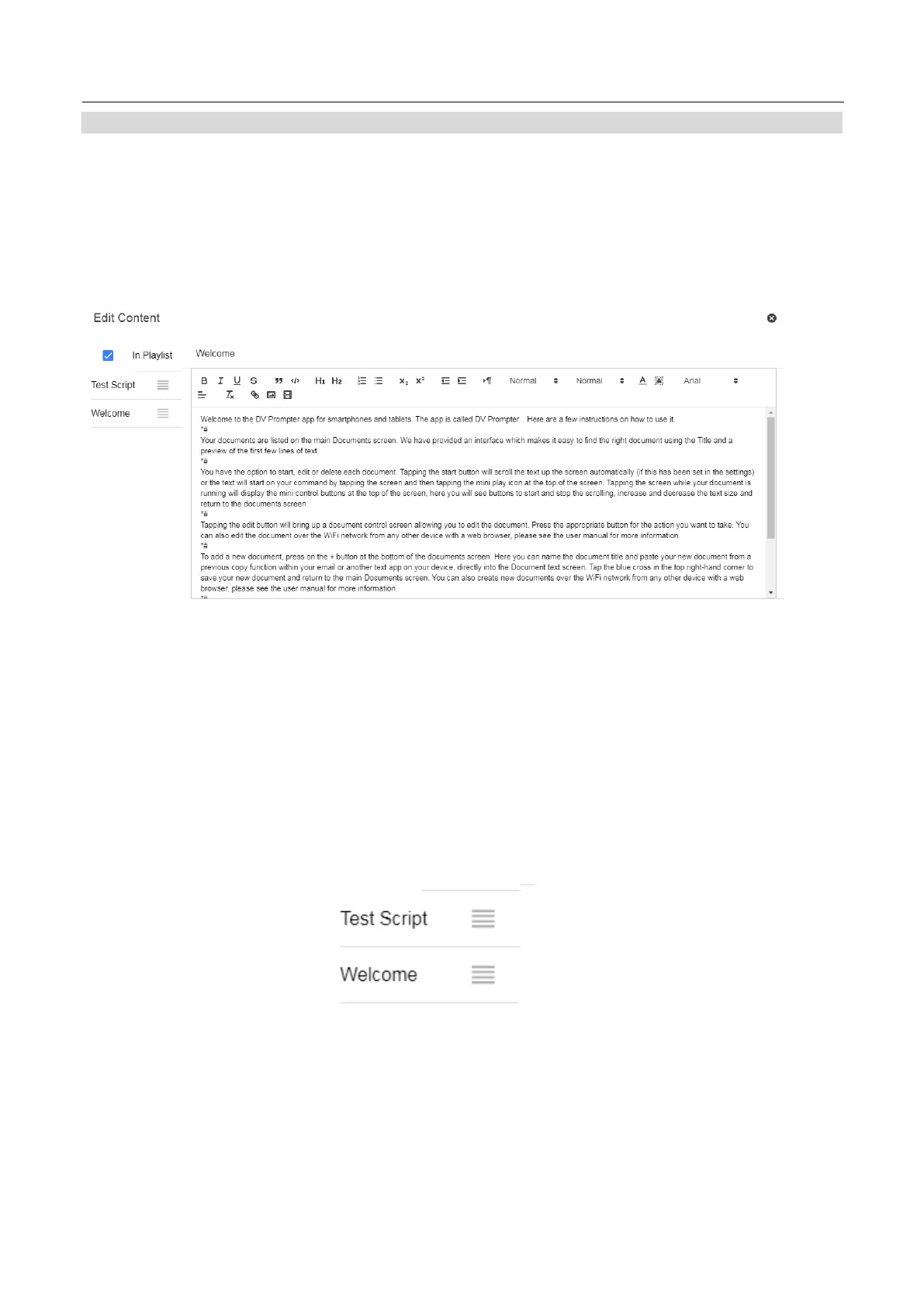
Checking the ‘In Playlist’ option when creating or editing a script via the webui will allow the app to
automatically load the next script in the list, it also allows you to quickly jump between scripts using the
hardware remote control (see the control section of this guide for more information).
Changing the playlist order
To change the running order of the playlist simply click the horizontal bars to the right of the script name and
drag to the desired position.



 To Next Page