PTZ TELEPROMPTER KIT TP-900
41
Updating the App
You can download the latest App from www.datavideo.com/product/TP-900. The current App version is shown
at the bottom of the menu.
4. Download the latest App from www.datavideo.com/product/TP-900
5. Copy the downloaded .apk file to the root directory of a USB flash drive
6. Connect the USB flash drive containing the file to one of the TP-900s USB ports
7. Connect the supplied USB mouse to the other USB port
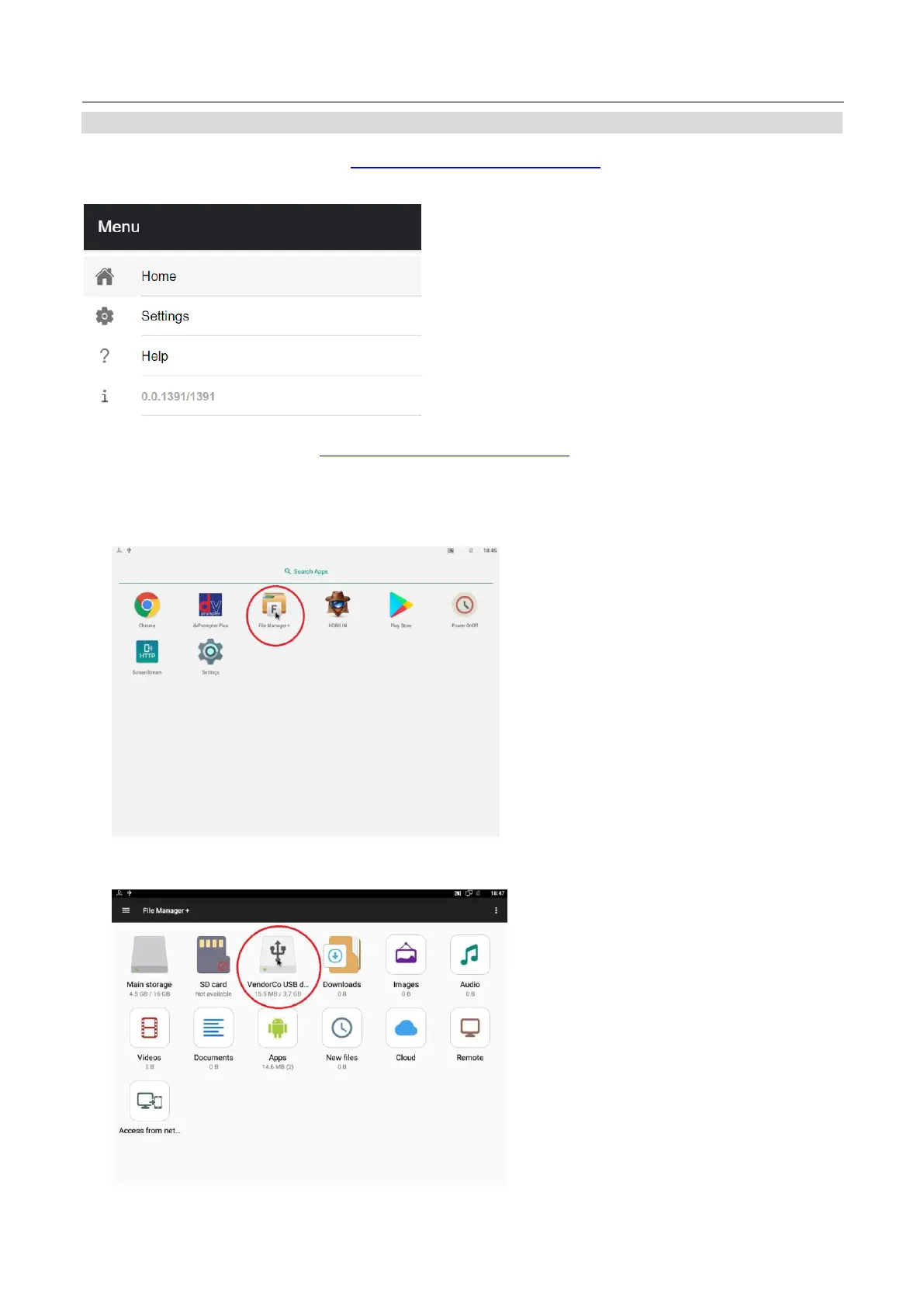
8. Open the ‘File Manager +’ App by clicking it once
9. Open the USB flash drive by clicking it once



 To Next Page