PTZ TELEPROMPTER KIT TP-900
28
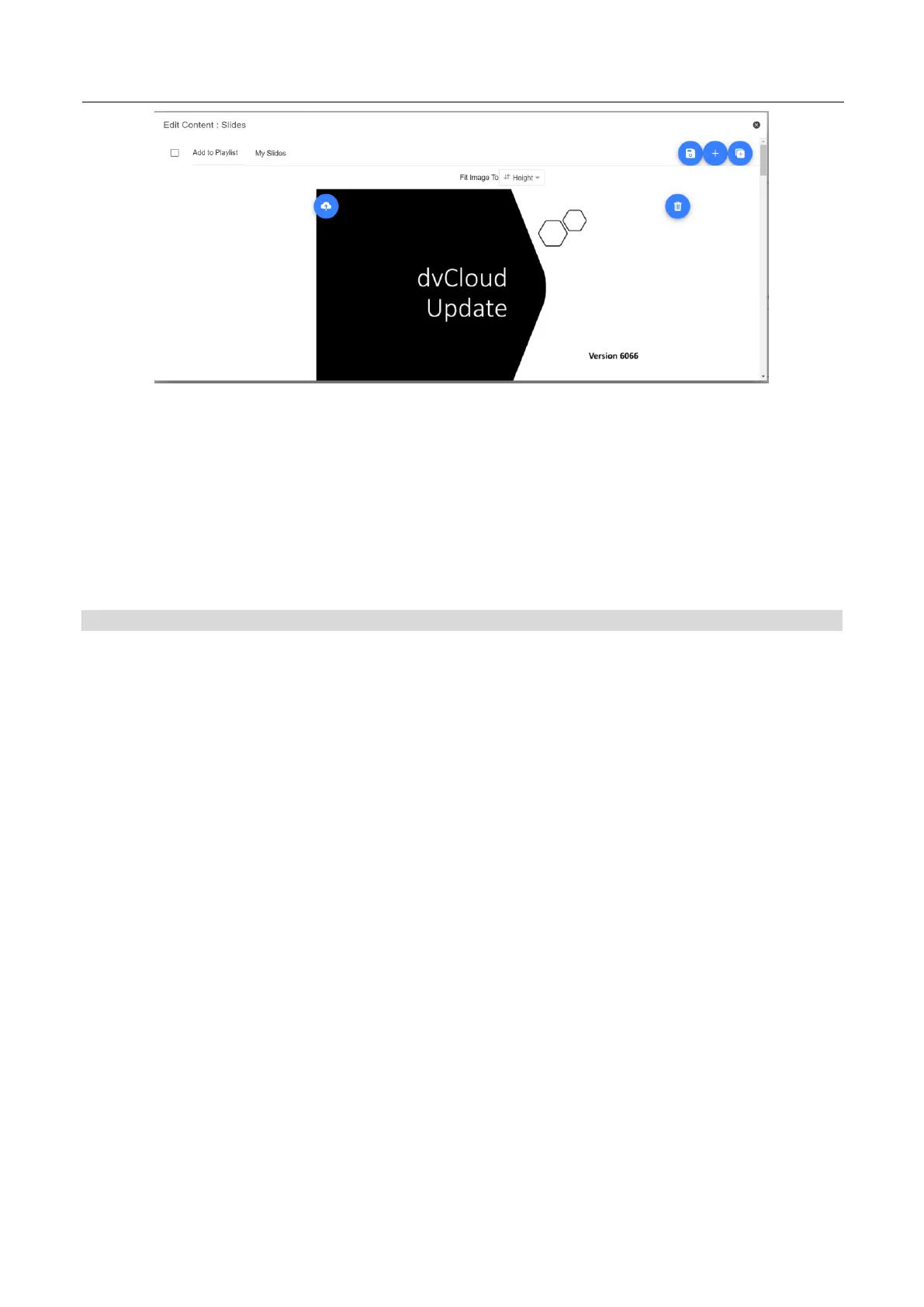
6. You can choose to fit the images to the ‘Height’ or ‘Width’ of your device, select the option that
avoids stretching of the slides based on the aspect ratio of the slides and your devices screen.
7. The slides will be saved automatically when you close editor by tap or clicking the ‘X’, you can
also save changes using the blue save button on the top right corner of the editor.
To edit slides, simply tap or click the ‘Edit’ button, the slides will be saved automatically when you close the
rich text editor by tap or clicking the ‘X’
Real time editing
Real time editing allows you to modify a script that is currently on screen, simply modify the script via the web
interface and watch it update in real time as soon as you save your changes.
Please Note: The scrolling text will pause momentarily while the changes are loaded.



 To Next Page