PTZ TELEPROMPTER KIT TP-900
20
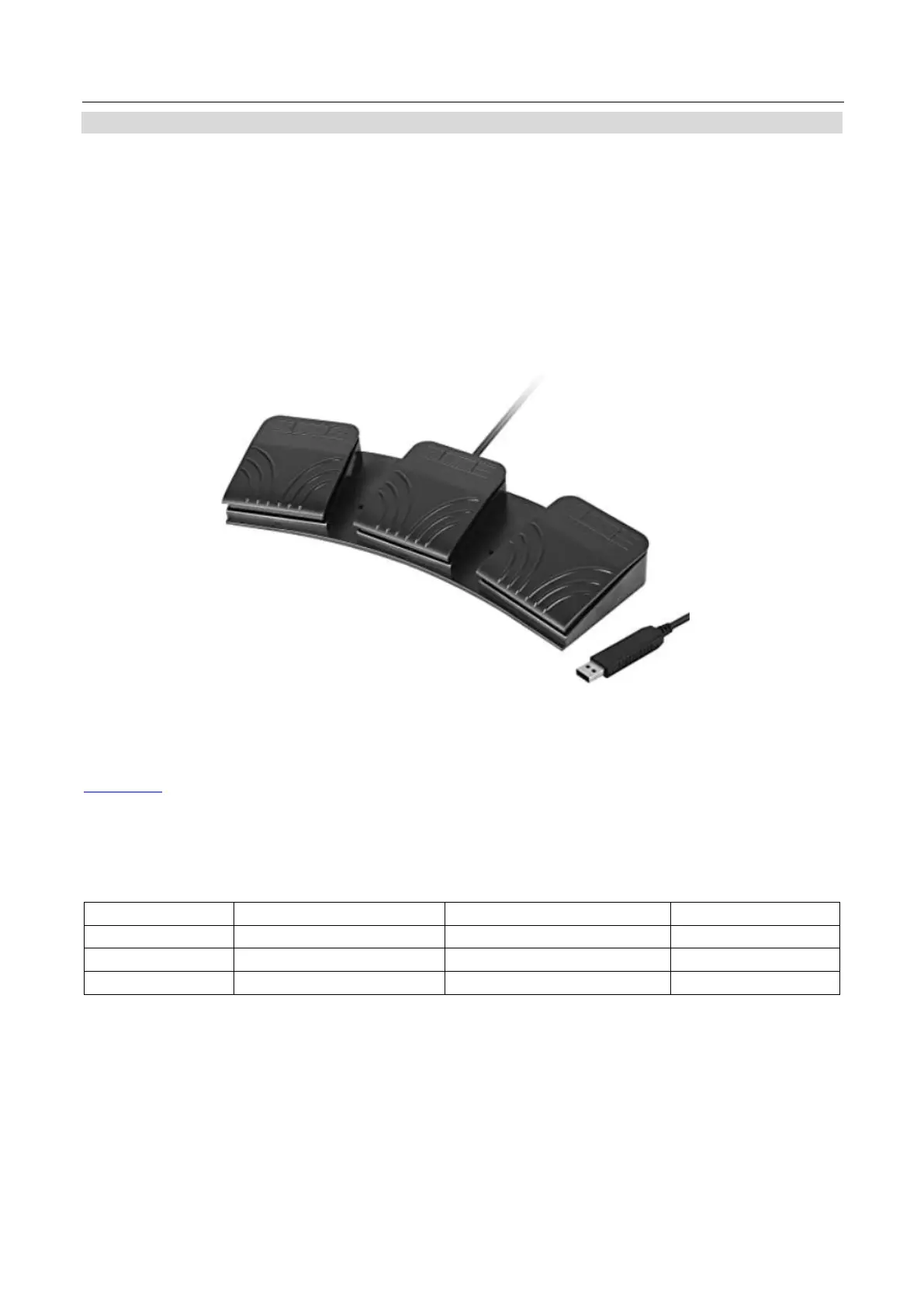
FS-30 Foot Switch
Optionally you purchase the FS-30 foot switch control for direct wired control. The FS-30 foot switch connects
via USB and offers three pedals with independent functions. The FS-30 uses non-contact photoelectric
sensors for near silent operation.
The FS-30 supports control of both scrolling text and slides.
Control Buttons
The FS-30 will work all TP-900 teleprompters running dvPrompter Plus version 1581 or newer, please see the
appropriate section of this manual for information on updating the dvPrompter Plus software.
Please connect the FS-30 to the white USB port on the teleprompters 15” LCD monitor, the FS-30 will work
as soon as its connected, there is no need to set any control options within the dvPrompter Plus application.
The table below details the functions of each pedal.



 To Next Page