PTZ TELEPROMPTER KIT TP-900
33
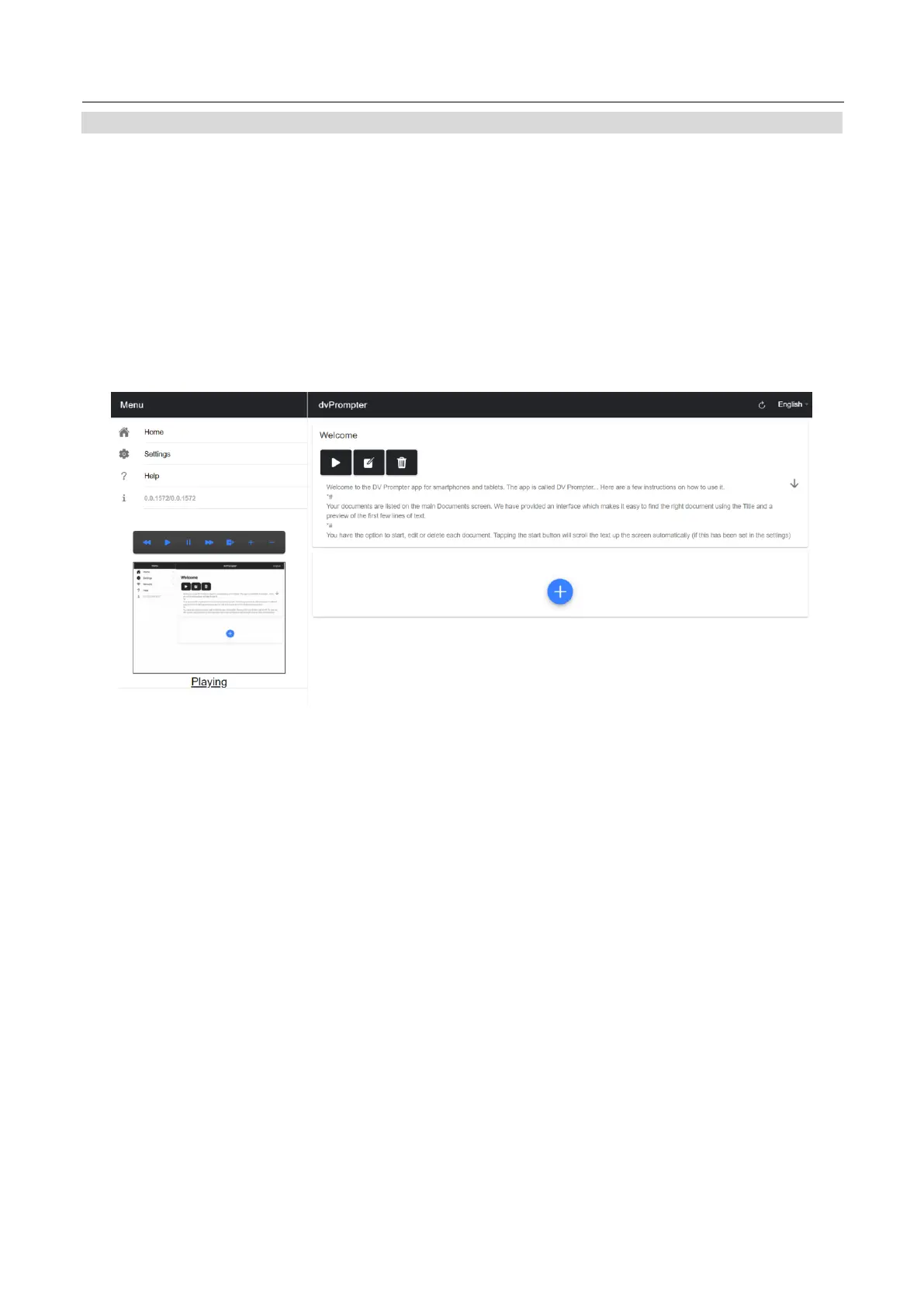
Menu Bar
Clicking the menu bar (found in the top left-hand corner of the documents screen will display the menu shown
below, you will see three options:
Home – Return to the documents screen
Settings – Display all app settings
Network – Display the address required to access the app from any device with a web browser over the local
Ethernet network
Help – Links directly to the dvPrompter Plus QSG
i – Displays the dvPrompter Plus app version



 To Next Page