PTZ TELEPROMPTER KIT TP-900
23
Creating and Editing Text Scripts and slides
Please see the ‘Network’ section of this guide to understand how to access the remote control webui of the
app.
Text Scripts
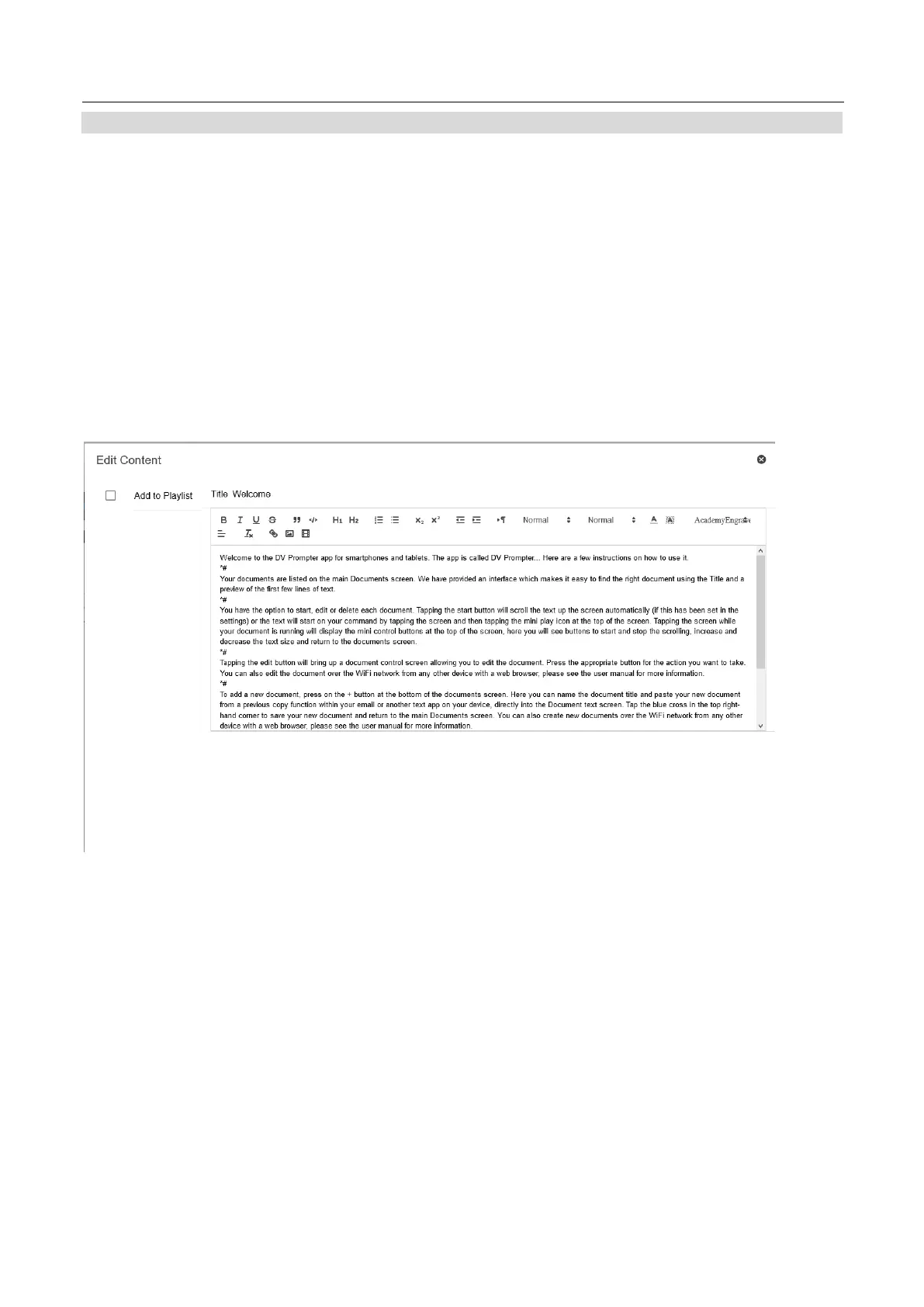
To create a new script via the web interface simply tap the ‘+’ button, enter a title and then enter the script
body into the rich text editor. The script will be saved automatically when you close the rich text editor by
taping the ‘X’.
To edit a script on the device simply tap the ‘Edit’ button, the script will be saved automatically when you close
the rich text editor by taping the ‘X’.
Slides
In addition to text-based scripts you can now import your Powerpoint or Keynote presentation slides via the
web interface, slides can be controlled using the hardware WR-500 control or the web based remote control
interface. dvPrompter Plus supports seamlessly switching between text-based scripts and slides, you can
even add slides and text-based scripts to a playlist
dvPrompter Plus supports mirroring slides in real time so your content is the right way around even when
viewed via the mirror glass.
Please Note: Slide mode allows you to import slides as images, you must first export your slides as images
from PowerPoint and Keynote
Exporting Slides from PowerPoint
1. Before you convert slides to images, save your PowerPoint presentation to the PPTX or PPT
format so you don't lose your work.



 To Next Page