6
SystemSettings
6
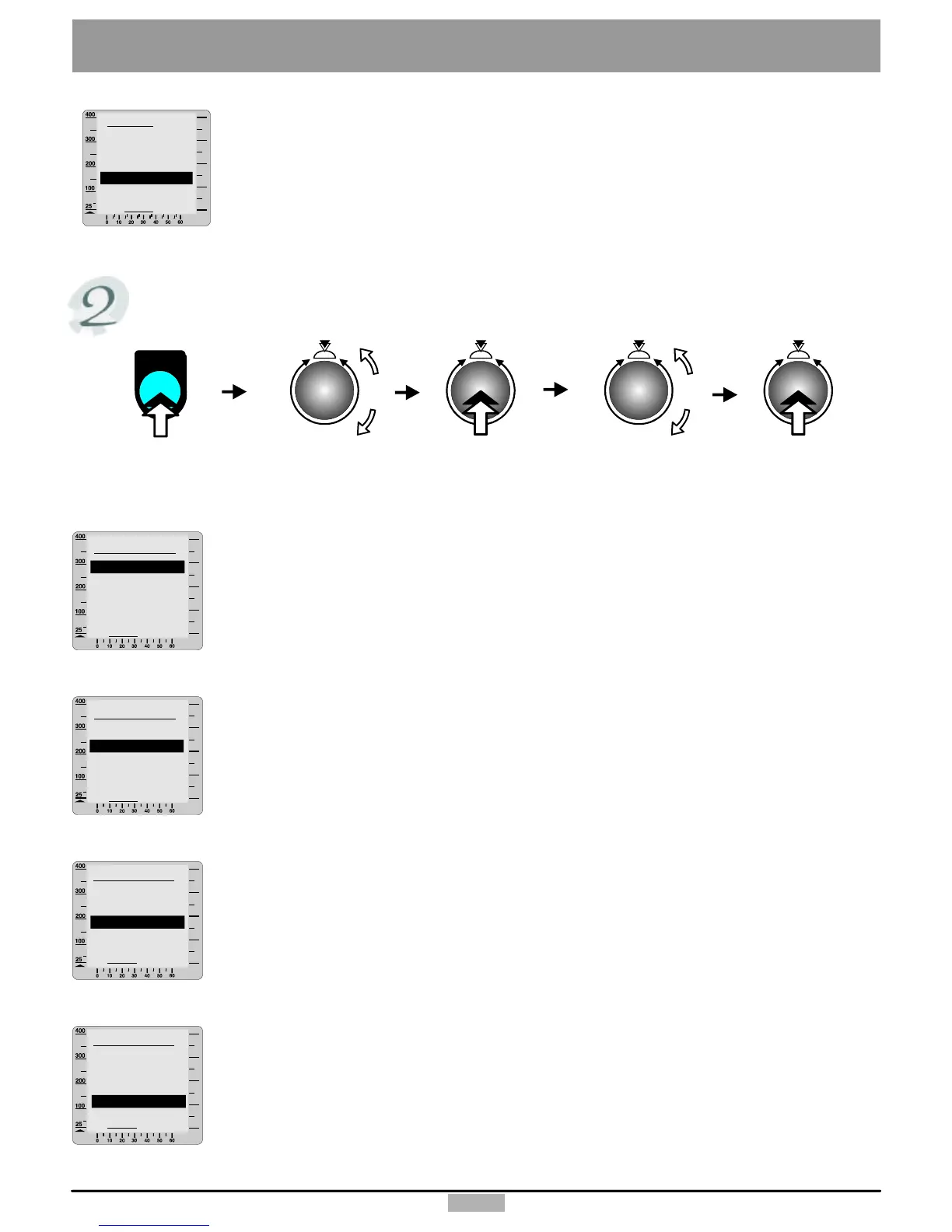
Devicedata
Usethedeletefunctiontoresetallthedataoftheselecteduserbacktothefactorysettings.
Dateentry
turnandpressthecontrolbuttontosettheday.
2.turnandpressthecontrolbuttontosetthemonth.
3.turnandpressthecontrolbuttontosettheyear.
(DD/MM/YYYY)
1.
watt
DeviceData
Date
Time
Contrast
Language
Back
Settingthetime
1.turnandpressthecontrolbuttontosetthehour.
2.turnandpressthecontrolbuttontosettheminute.
3.turnandpressthecontrolbuttontosettheseconds.
(HH:MM:SS)
watt
DeviceData
Date
Contrast
Language
Time
Back
Contrast
Youcanchooseavalueforthecontrastfrom16to31.
Theoptimalvalueliesnormallyaround25.
watt
DeviceData
Date
Time
Language
Contrast
Back
Language
Choosetheappropriatelanguage:
German,English,French,Italian,Portuguese,Finnish.
watt
DeviceData
Date
Time
Contrast
Language
Back
menu
menu
Pressthe
controlbutton
Pressthe
menukey
Turntoselect
“Devicedata”
Pressthe
controlbutton
Turntoselect
“Settings”
watt
User1
Back
Bodydata
Limit
Startpoint
Delete



 To Next Page