7
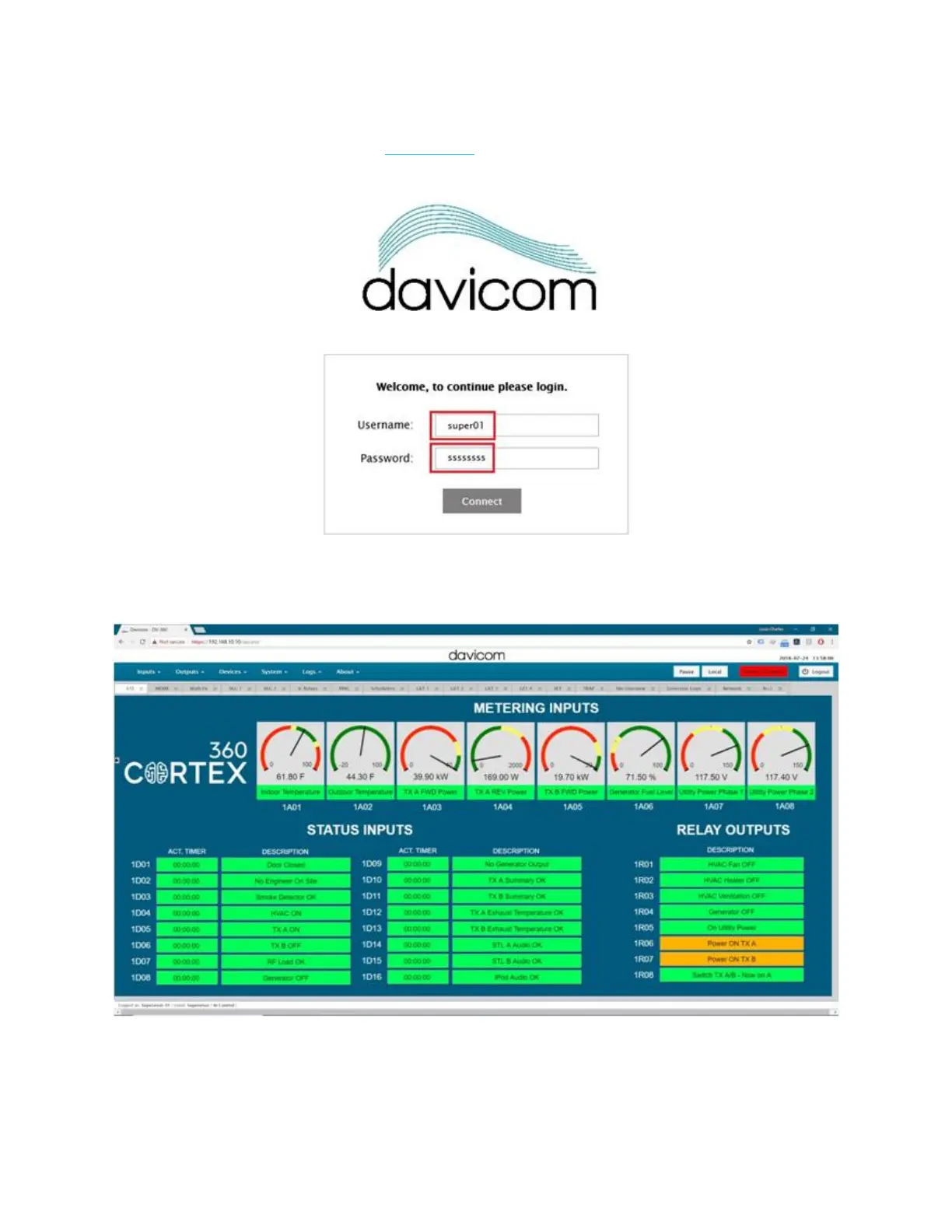
The following login screen will show up. Enter “super01” for the Username and enter
“ssssssss” for the Password. See this article for more information on default users and
passwords.
You should now be connected to the unit and viewing the main dashboard as
shown below (the actual dashboard may look different).
One important difference between the new Cortex 360 family and legacy Davicom
units is that the workspaces (GUI displays) now reside within the unit’s memory and
not in the user’s PC with the DavLink application.



 To Next Page