11
:
FUNCTION MENU
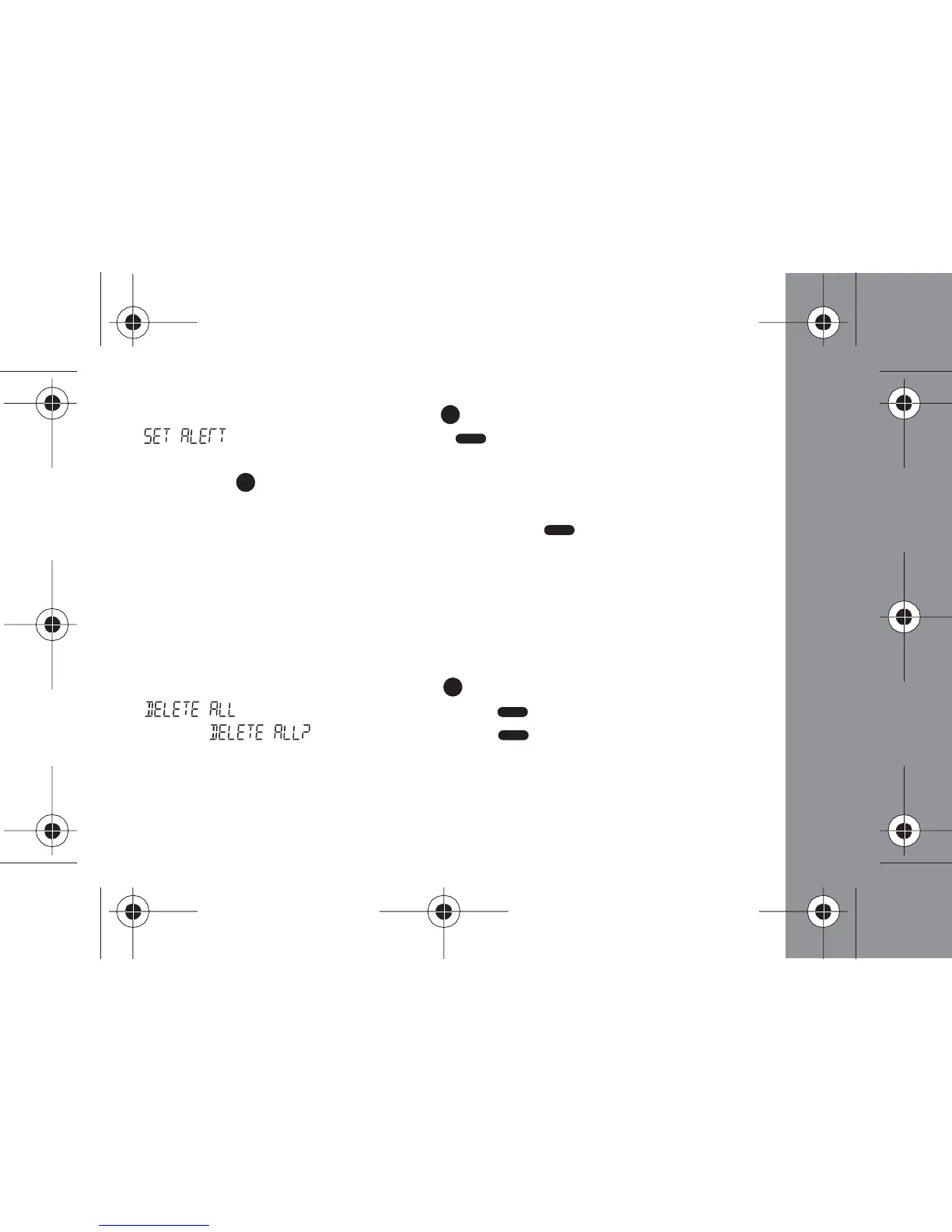
- From the Status screen, press the (Function) button once until
" " displays, then press the (Read/ Select) button. The
current alert setting is displayed
- Press the (Function) button to begin scrolling through the alert types.
A sample of the displayed alert type is played
- When the desired alert type displays, press the (Read/ Select) button
to select it and return to the Status screen
Deleting All Messages
This feature allows you to delete all read and unprotected messages at once.
- From the Status screen, press the (Function) button 2 times until
" " displays, and then press the (Read/ Select) button
- When " " displays, press the (Read/ Select) button to
confirm your decision
- To delete individual messages see the instructions on page 21



 To Next Page